
For Shorts channels
AI Pet Story Videos for YouTube Shorts
PawDrama makes AI pet story videos for YouTube Shorts: vertical cat and dog episodes of up to 90 seconds, with voices, burned-in subtitles and music, built to run as a numbered series. Pick a cat or dog plot, keep 60 seconds at 720p and generate.
Generating uses credits · new accounts can start with a one-time starter pack
Script 1 credit, then 120 credits to shoot 60 s at 720p
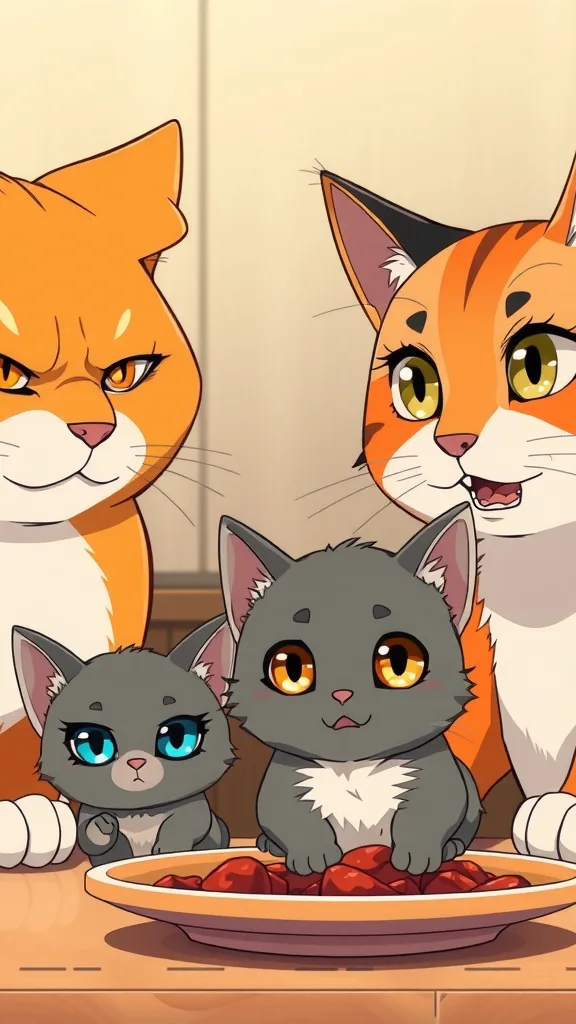
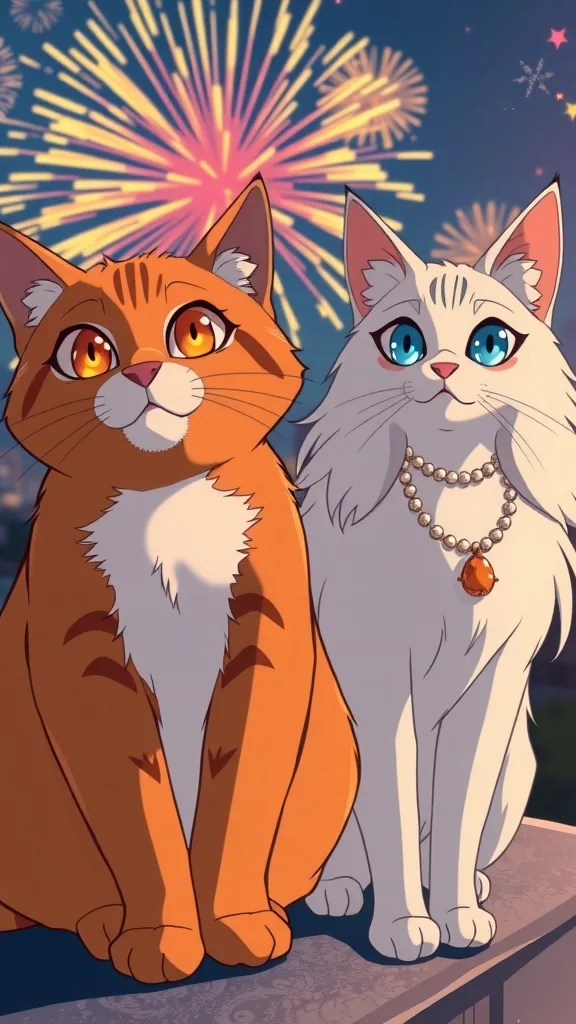
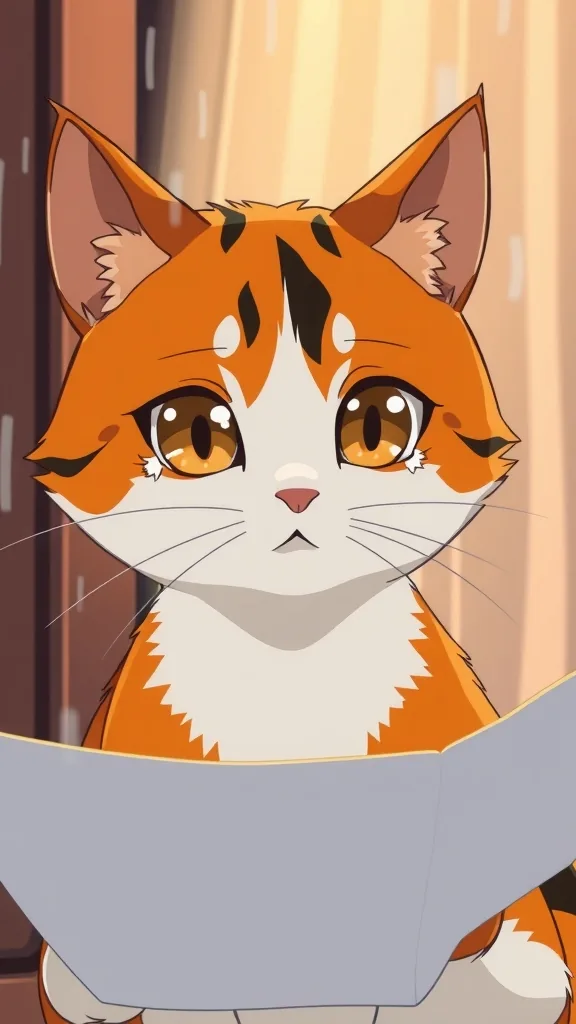
Shorts story inspiration
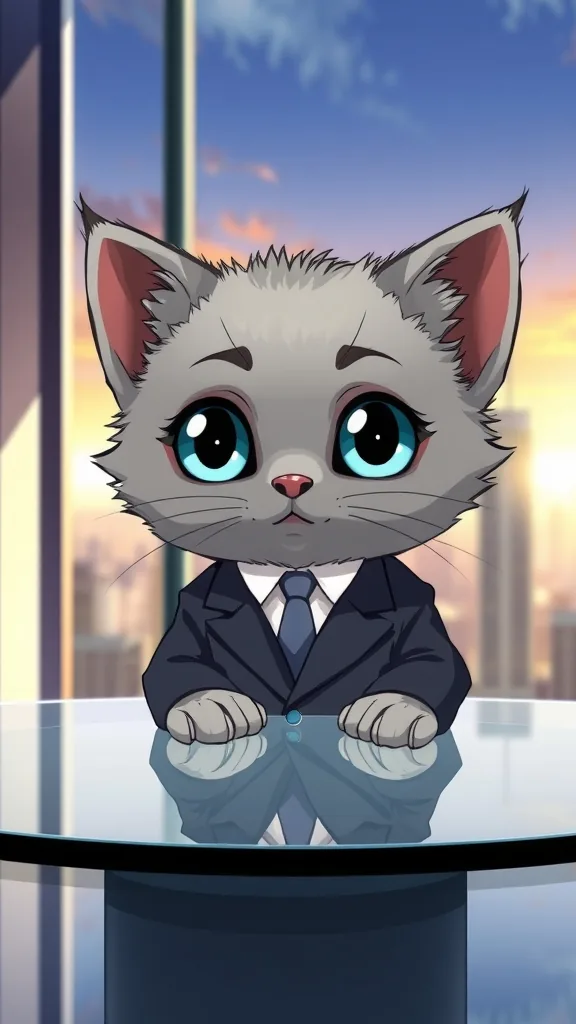
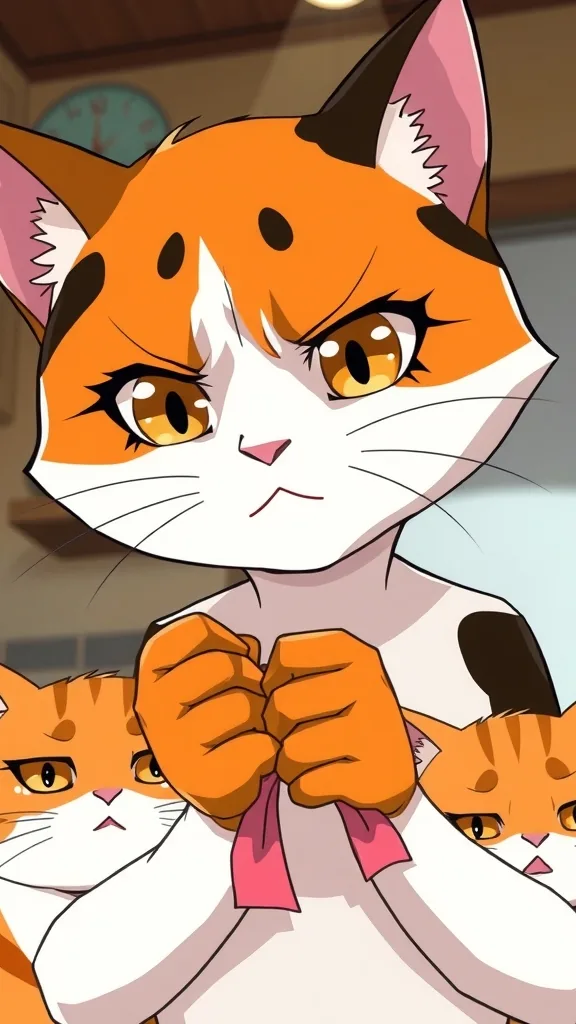
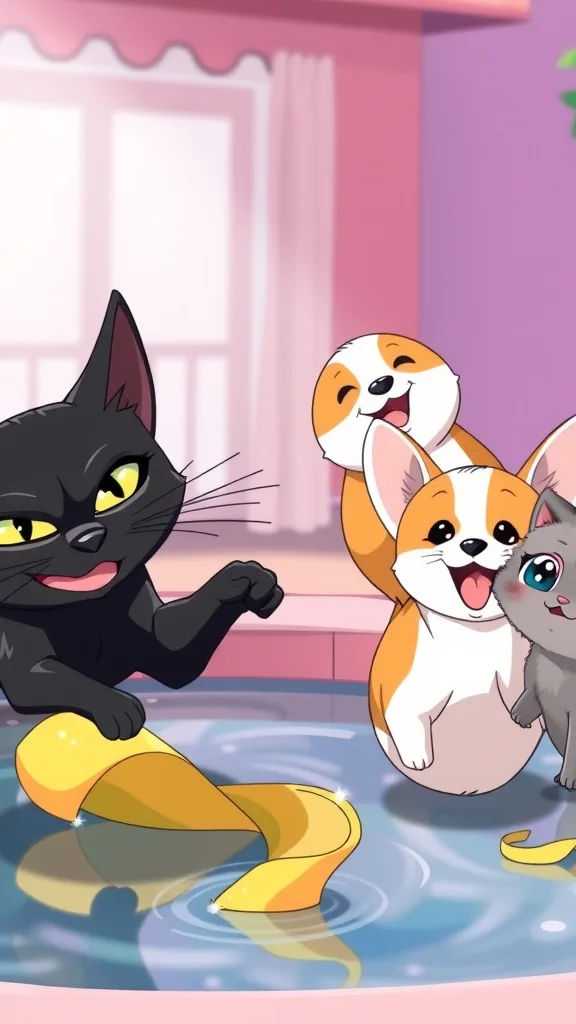
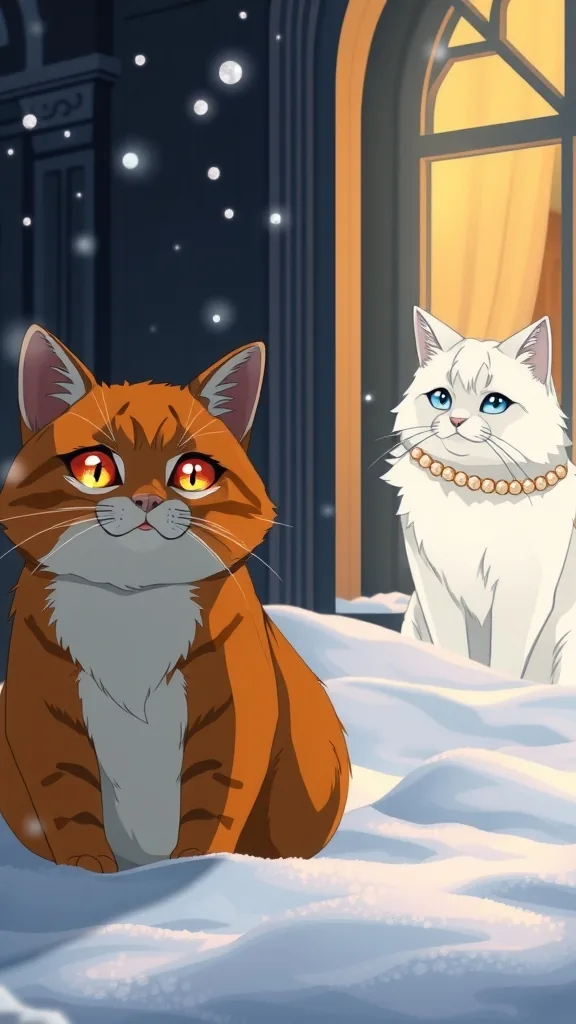
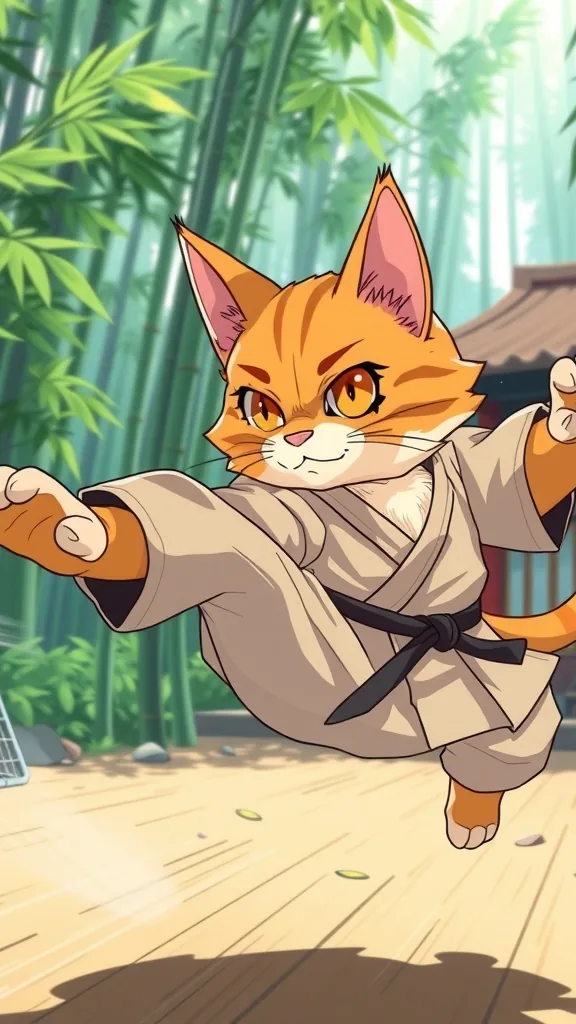
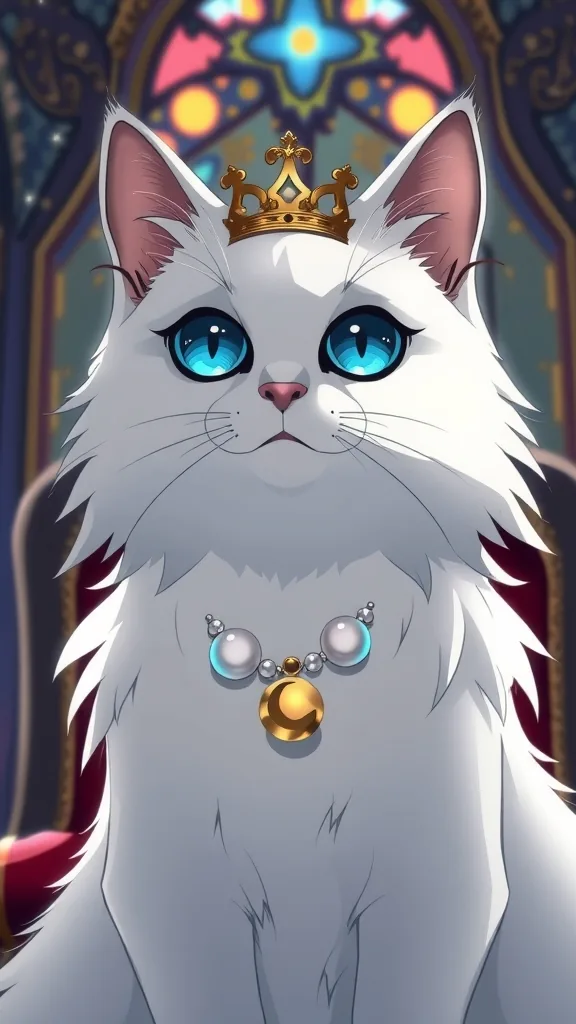
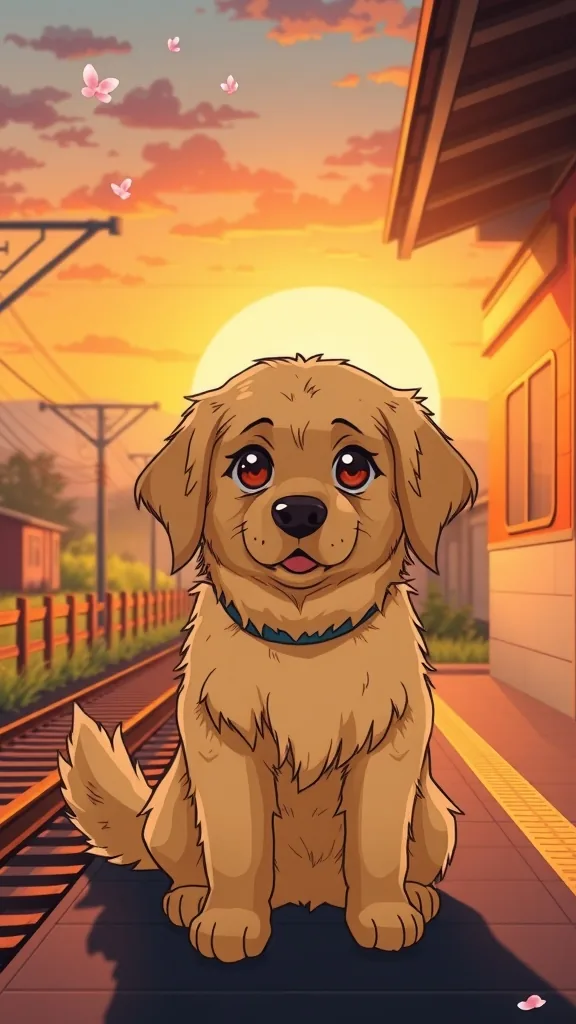
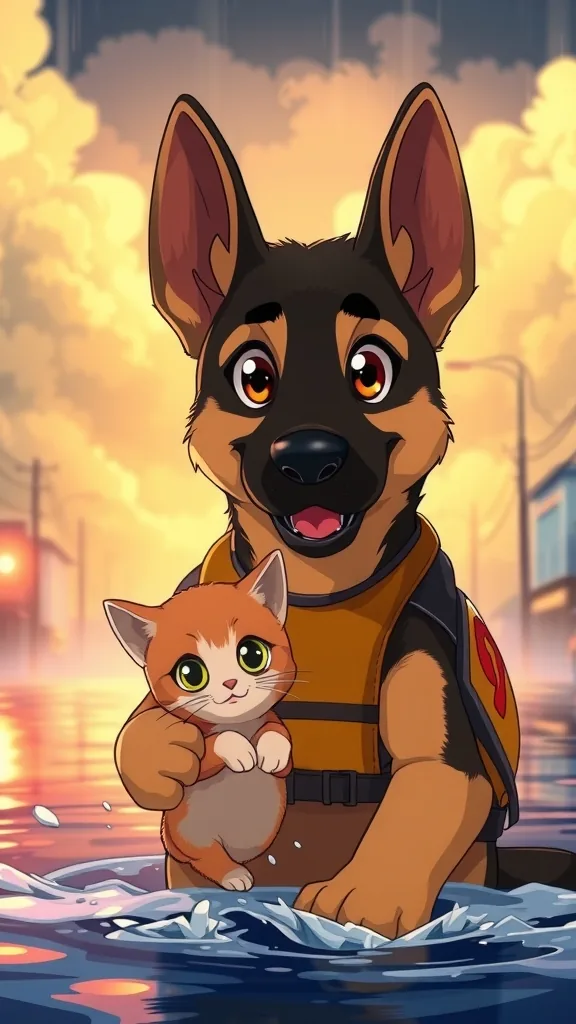
The characters and scenes on this site are AI-drawn illustrations (FLUX.1 [schnell] on Cloudflare Workers AI) made for these pages. They show each character's look; they are not episodes rendered with PawDrama.
How it works
Make a Shorts pet story
- 01
Choose cats, dogs or both
Cats suit betrayal and rags-to-riches plots, dogs suit loyalty and rescue, and the two can share a cast of up to four.
- 02
Set 60 seconds at 720p
Twelve shots for 120 credits. The total is shown under the button before anything starts.
- 03
Generate and download
You get the MP4 with subtitles burned in, plus an .srt file you can upload to YouTube as closed captions.
- 04
Upload as a Short with the series name
Title it with the part number, add it to the series playlist, and choose a frame from the reveal shot as the cover.
Fitting the Shorts format
YouTube Shorts are vertical videos, and YouTube currently accepts Shorts up to three minutes long. Every episode here is 9:16 and no longer than 90 seconds, so whichever length you choose (15, 30, 60 or 90 seconds) uploads as a Short without cropping or trimming.
Sixty seconds is the default on this page because twelve shots leave room for a full arc: a setup, a rescue or reveal, and a closing hook. If your channel already does well with quick clips, test 30 seconds; for slow family stories, 90 seconds gives you eighteen shots.
Running it as a series
A series is easier to follow when the next part is easy to find. Put the part number at the front of the title, add every part to a playlist named after the series, and link the next part from each Short wherever YouTube offers a related-video link.
Make Part 2 keeps the same cast, voices and style, so a playlist of eight parts still looks like one show. A narrator recap in the first shot of each part helps viewers who land in the middle.
Monetization and AI disclosure
You may use your episodes commercially, including on a monetized channel. Joining the YouTube Partner Program depends on YouTube's own subscriber and view thresholds, which change from time to time, so check the current numbers in YouTube Studio instead of planning around a figure from a blog post.
YouTube's monetization policies do not reward mass-produced, near-identical uploads, so vary plots, settings and casts across the channel. Its disclosure for altered or synthetic content is aimed at realistic-looking media; animated cats and dogs usually are not that, but read the current guidance and disclose when in doubt.
Settings and tips
Shorts tips
Upload the .srt as closed captions
The burned-in subtitles are always visible; the .srt adds captions YouTube can index and that viewers can switch on or auto-translate.
Make a second-language channel
Voice and subtitle the same story in Spanish or German for a separate channel. It is a new generation, billed like any episode.
Budget a weekly series
One 60-second 720p part a week is about 484 credits a month with drafts, inside Creator's 600. Two a week needs Studio's 1,250.
Pick a readable cover frame
A close-up of one face with one clear emotion reads better as a small thumbnail than a wide shot of three characters.
Who this suits on YouTube
A good fit when
- Shorts channels building a recurring cat or dog cast
- Creators who want closed captions and second-language versions
- Channels that mix cat dramas with dog rescue stories
Not the right tool when
- Long-form 16:9 YouTube videos; output is vertical only
- Compilations of other creators' AI pet videos
- Plans that only work if monetization is approved; that decision is YouTube's
- Shorts that need 1080p
Related pages
FAQ
Questions people ask
Start your Shorts series
Sixty seconds, twelve shots, captions ready for upload. Make Part 1 today and Part 2 next week.
Make a Short