Build your own actor
How do I turn my cat into a cartoon character for a story video?
PawDrama turns your cat into a cartoon character for a story video: upload 1 to 3 photos and get three character sheets in 3D, anime or claymation style that keep your cat's fur color, markings and eye color. Approve the sheets, name the actor and cast it in any episode; a custom actor costs 6 credits, paid once.
1 to 3 photos of your pet (JPG, PNG or WebP, up to 10 MB). Only animals, plush toys and objects: photos with any person in them are refused.
Tip: solid-colored or simply patterned pets come out the most consistent.
Generating uses credits · new accounts can start with a one-time starter pack
Creating the actor uses 6 credits (three character sheets)
From photo to character
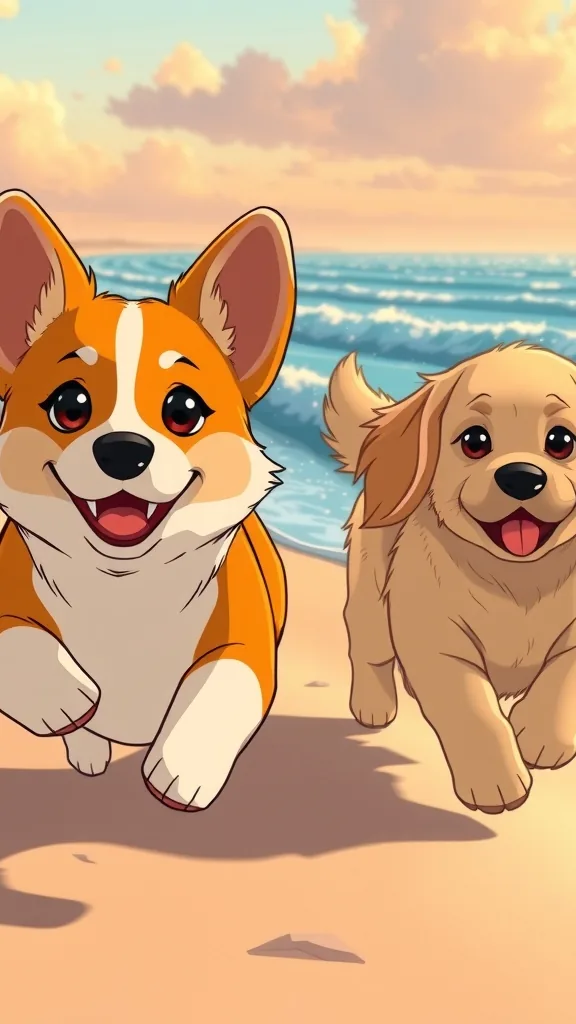
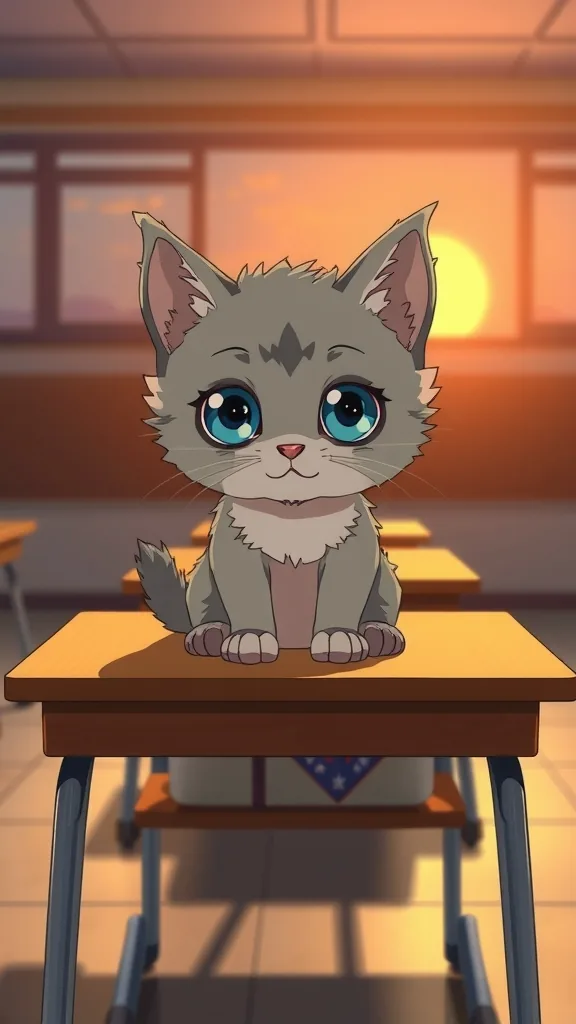
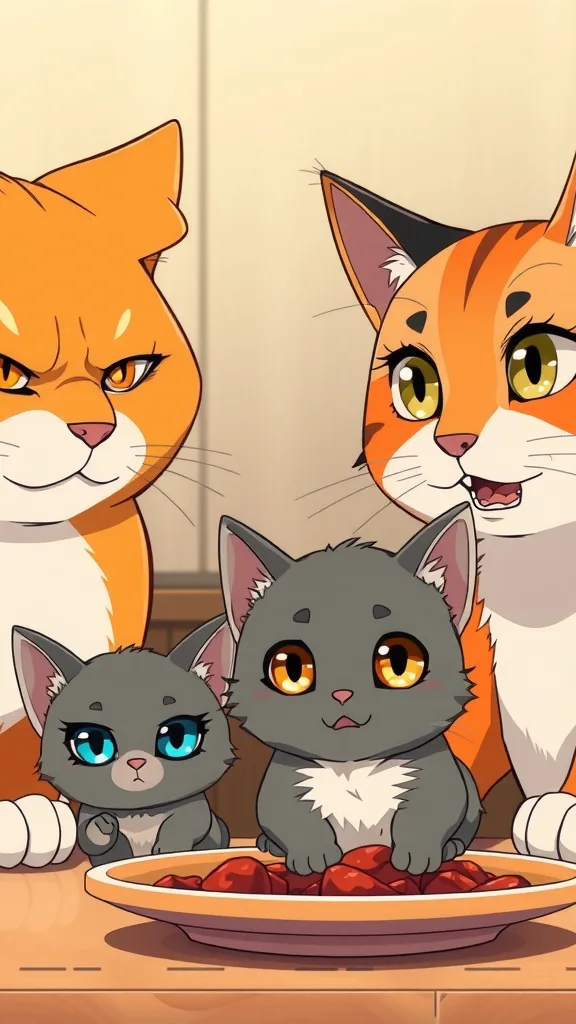
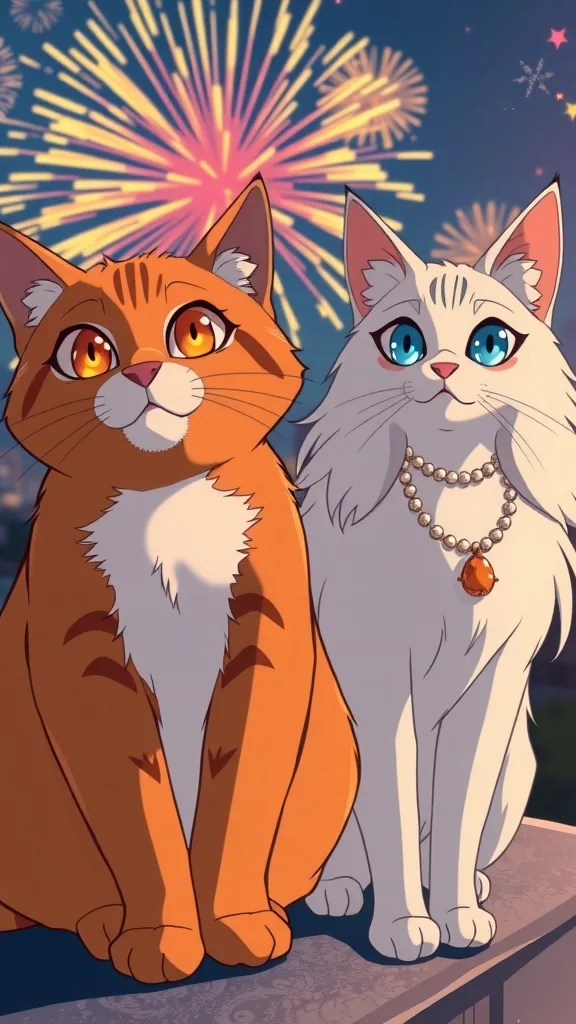
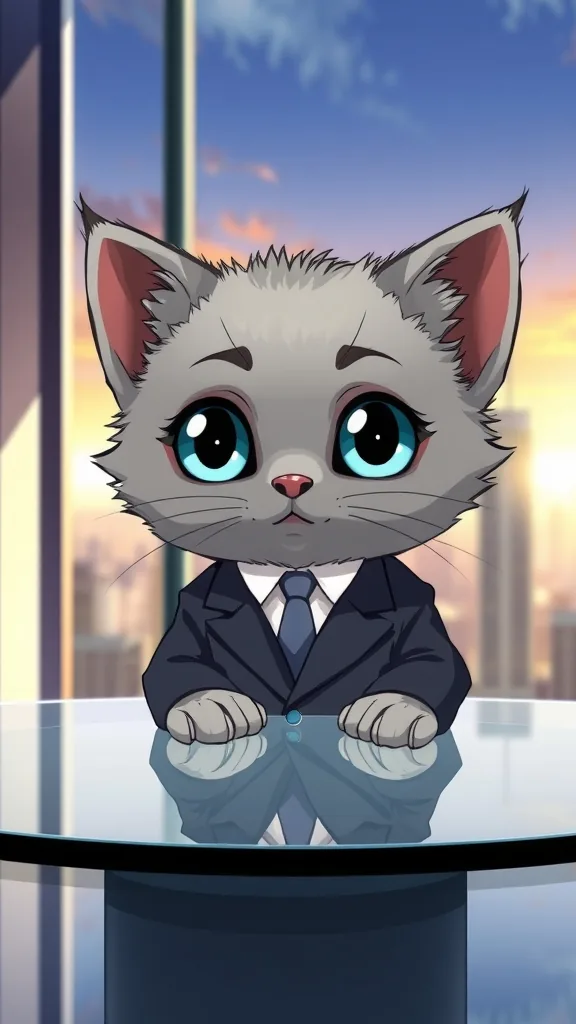
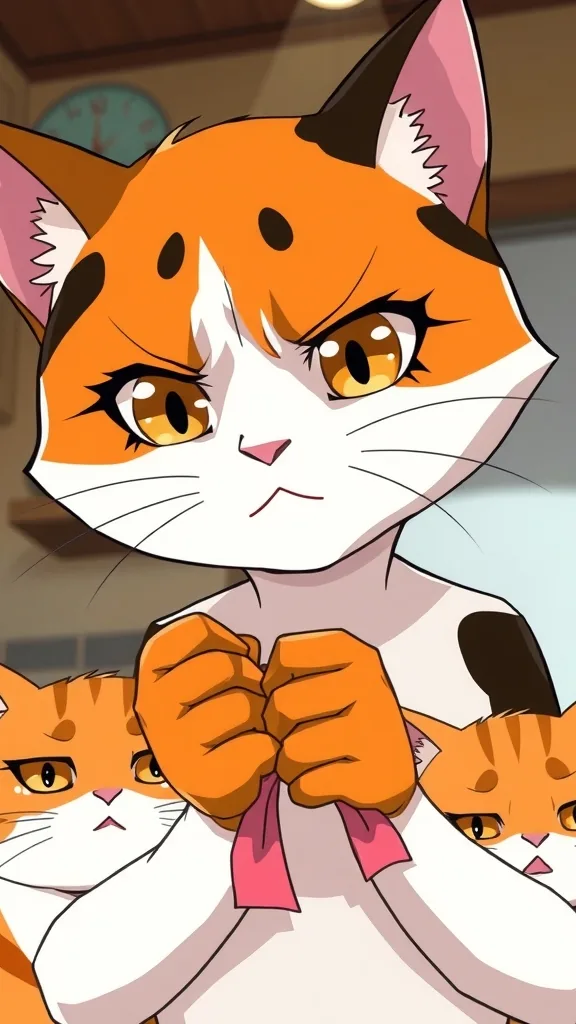
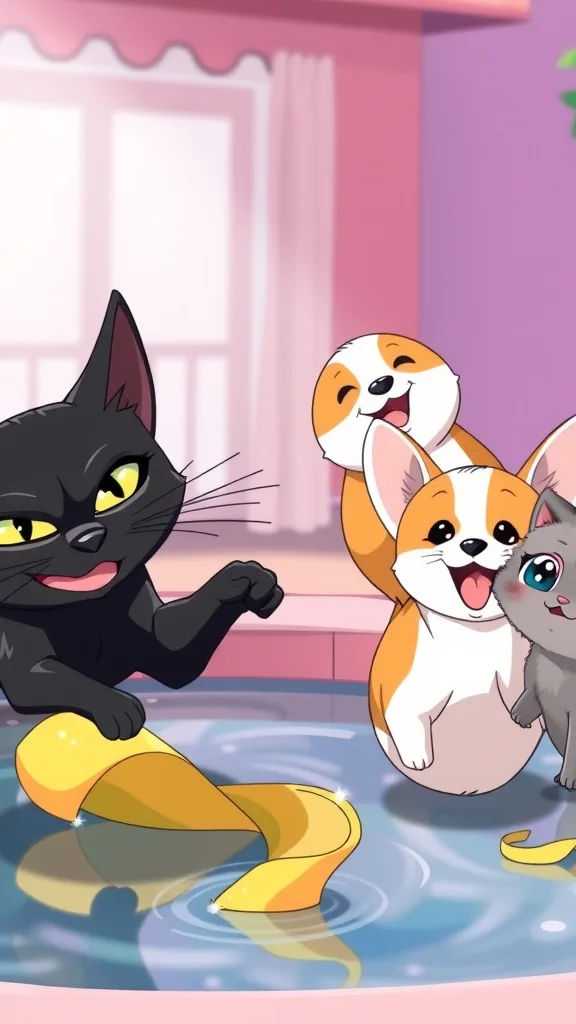
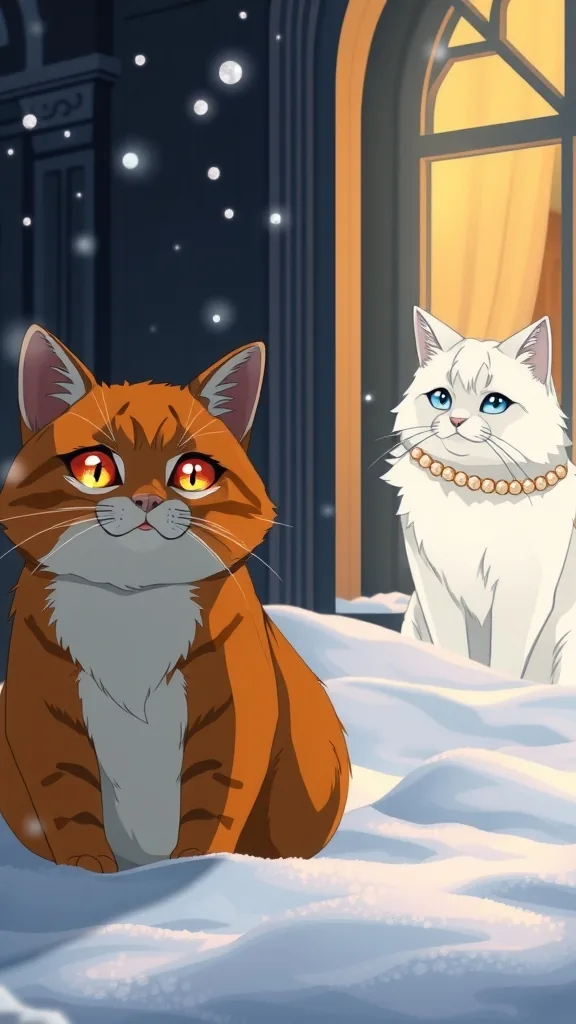
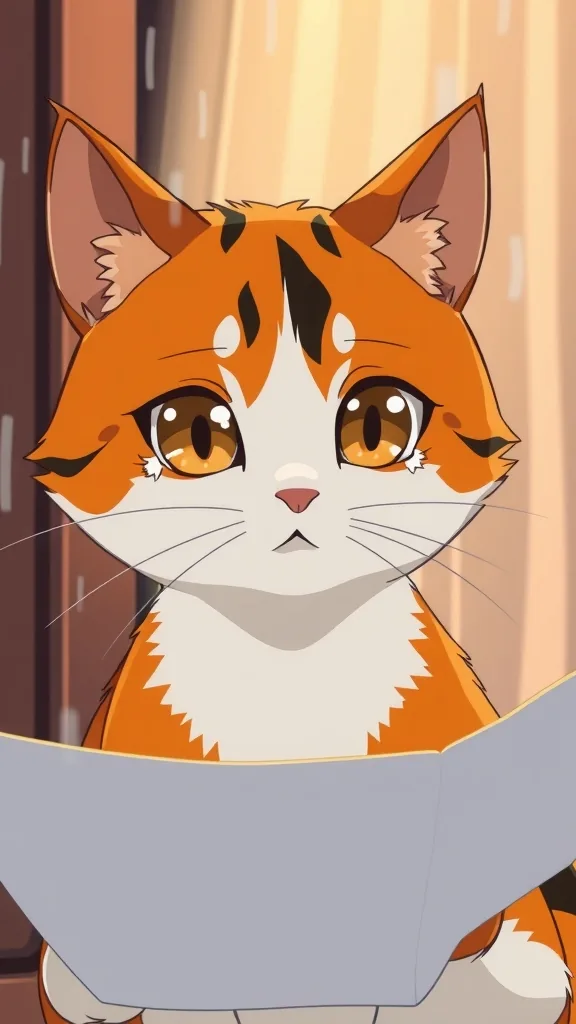
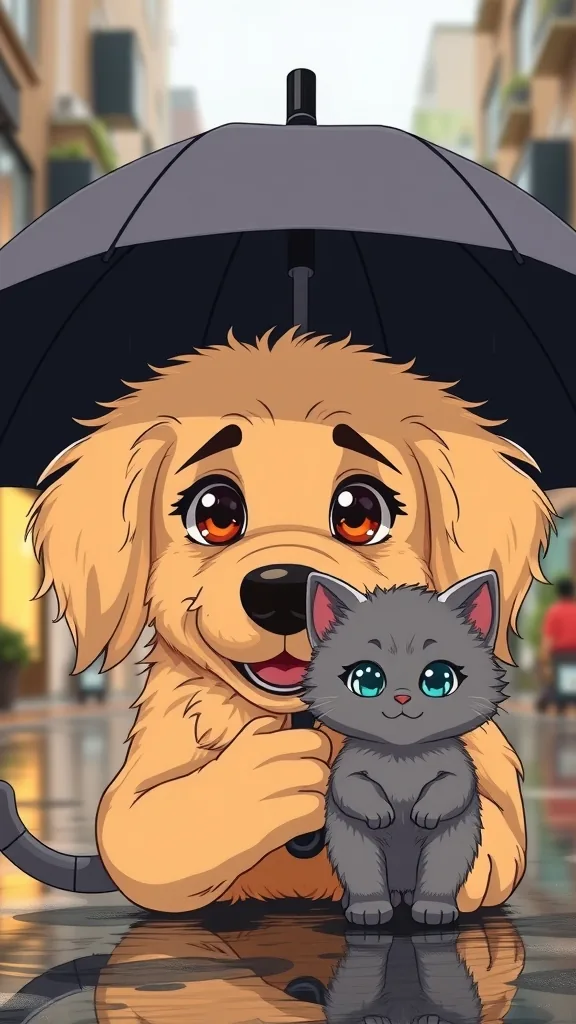
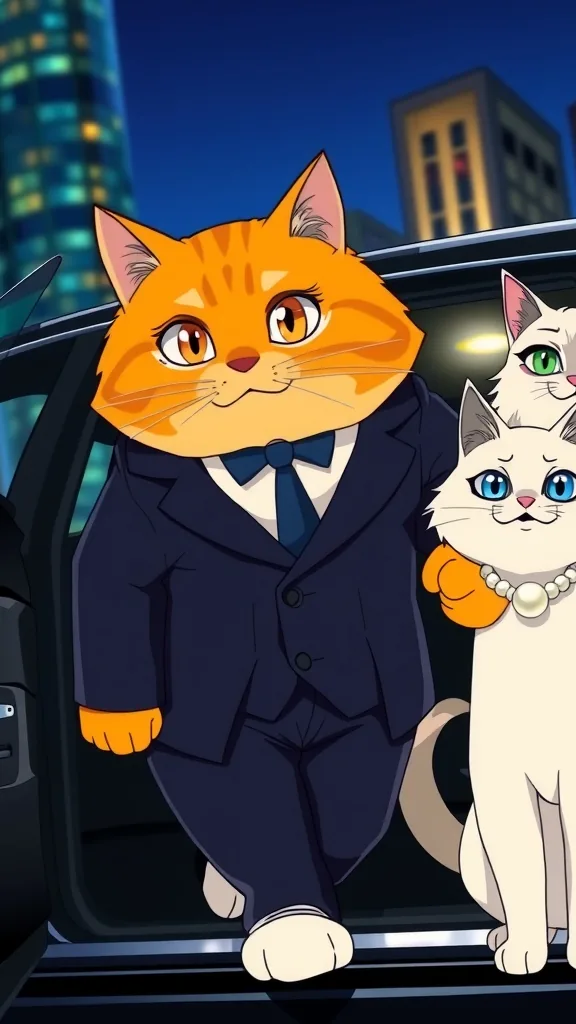
The characters and scenes on this site are AI-drawn illustrations (FLUX.1 [schnell] on Cloudflare Workers AI) made for these pages. They show each character's look; they are not episodes rendered with PawDrama.
How it works
Turn your pet photo into an actor
- 01
Upload 1 to 3 photos
JPG, PNG or WebP, up to 10 MB each. Only your pet (or toy, or object) should be in the picture.
- 02
Choose a style
Pick 3D animated, anime or claymation. The sheets are drawn in that style, so choose the one your series will use.
- 03
Check the character sheets
Compare markings, eye color and ear shape with your photos. Approve them, or regenerate if something is off.
- 04
Name and save
Give the actor a name and save it to My Actors, where it sits next to the preset cast in the composer.
- 05
Cast it in an episode
Pick a plot and add your actor; an episode can have up to four cast members.
What photos work
One clear photo can be enough, but three angles (front, side and full body) give the image model more to copy. Each file can be up to 10 MB in JPG, PNG or WebP.
Only animals, plush toys and objects are accepted. Any photo that contains a human face is refused, so crop out the person holding the cat before you upload, or choose a shot where only the pet is in frame.
- Daylight or a bright room, no beauty filters
- The whole body visible in at least one photo, so tail and leg markings are captured
- Eyes open and in focus, so eye color comes through
- No costumes or hats, unless you want them on the character every time
The three character sheets
Nano Banana 2.1 draws three sheets in the style you picked: a turnaround showing your pet from several sides, a sheet of facial expressions, and a full-body pose. They keep fur color, markings and eye color from your photos.
These sheets are what the video model receives as reference images in every shot, which is how a custom actor looks the same from the first shot of Part 1 to the last shot of Part 3. If a marking is wrong, regenerate before saving rather than living with it for a whole series.
3D, anime or claymation
The same cat looks quite different in each style. 3D animated gives soft lighting, cartoon proportions and detailed fur. Anime gives clean line art, cel shading and large expressive eyes. Claymation gives a handmade clay texture with visible fingerprints and miniature-set lighting.
Decide on the style before you build the actor. If you want the same pet in two styles, create it twice; each version is a separate 6-credit actor.
Settings and tips
Getting a faithful cartoon
Solid coats are steadiest
Solid-color or simply patterned pets give the most stable results. A ginger cat or a black lab holds together better than a busy tortoiseshell or merle coat.
One animal per actor
If two cats share a photo, their markings can blend. Upload separate photos and build two actors.
Toys count
A favorite stuffed toy can become a sidekick. Photograph it on a plain background so its shape is clear.
Download your sheets
Generated clips and character sheets are kept for 14 days by the provider, so save a copy of any sheet you want to keep.
Good uses and poor ones
A good fit when
- Owners who want their real cat or dog to star in a cartoon story
- Creators who want a signature mascot based on their own pet
- Anyone who needs a toy or object character the preset cast lacks
Not the right tool when
- Framed pet portraits; the sheets are made as references for video, not as wall art
- Photos of you or anyone else; human faces are refused
- A cartoon of a famous internet pet or someone else's mascot
- A photoreal digital twin of your pet; the output is always 3D, anime or clay
Related pages
FAQ
Questions people ask
Make your pet an actor
Three photos in, three character sheets out. Approve them and your pet is ready for its first episode.
Upload pet photos