
How to Make Your Cat Talk in an AI Video
Give your cat a voice that fits, write lines short enough for a 5-second shot, and add subtitles and background music that still work with the sound off.
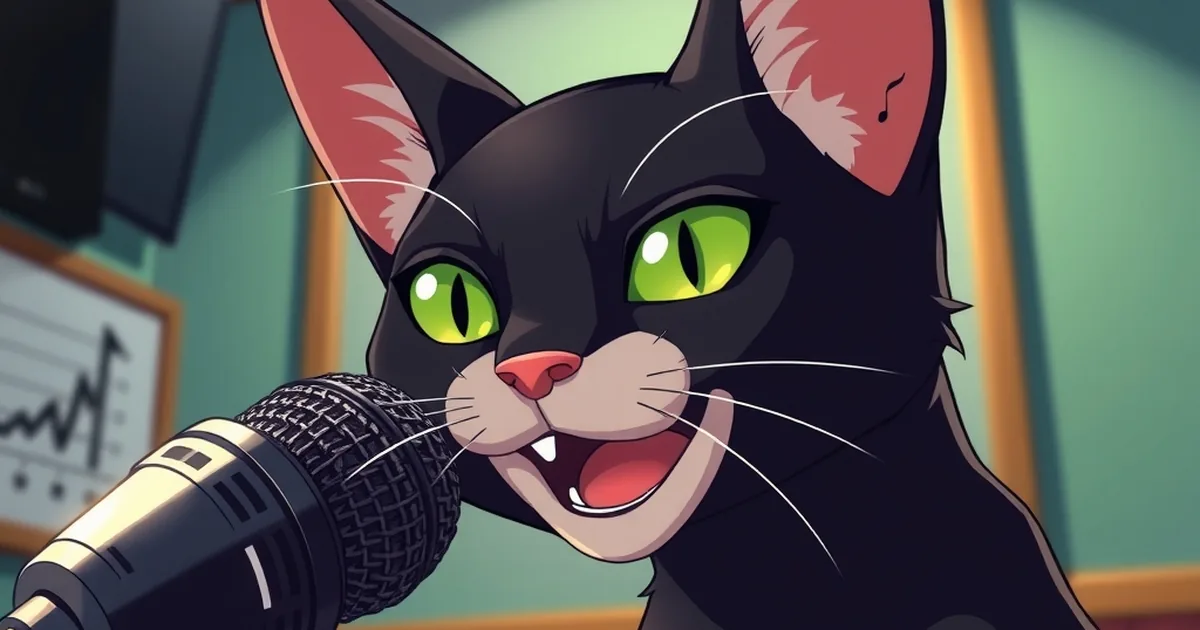
To make your cat talk in an AI video, give it a character voice from a text-to-speech model, write short lines that fit each 5-second shot, lay each line over a shot where the cat faces the camera, then add subtitles and quiet background music so the scene works even with the sound off. In PawDrama every actor already has a fixed voice and every episode comes with burned-in subtitles, an .srt file and music picked by mood; a 30-second talking episode is 30 credits at 480p, and plans start at the price on our pricing page.
This guide covers the three sound layers one at a time (voice, subtitles, music), with the small decisions that make a cartoon cat sound like a character instead of a robot reading a script.
Three layers, three jobs
- The voice carries personality. It is what makes the orange husband cat sound smug and the kitten sound small.
- The subtitles carry meaning. Plenty of people scroll with the sound off, and subtitles are what they read.
- The music carries mood. It tells the viewer whether this scene is a joke or a heartbreak before anyone speaks.
Get one wrong and the other two have to work harder. Get all three right and a 30-second episode feels like a scene from a show.
Choosing a voice that fits the cat
Match the voice to how the character looks and what it does in the story. Viewers decide who a character is within a line or two, and a mismatch (a tiny kitten with a deep growl) reads as a joke whether you meant one or not.
| Character type | Voice to look for | A line that suits it |
|---|---|---|
| Chubby orange tabby, the lovable schemer | Warm, playful, a little fast | "Me? I was nowhere near the fish." |
| Elegant white cat, the rival | Smooth, poised, slow | "Darling, you look tired." |
| Sleek black cat, the villain | Low and dry | "Tonight, the house is mine." |
| Grey kitten, the underdog | Light and bright | "I'll show them. All of them." |
| Calico mother cat | Gentle, steady | "Eat first. Then tell me everything." |
In PawDrama each of the 14 preset actors has its own fixed voice, so the villain sounds like the villain in Part 1 and in Part 7. A separate narrator voice is available for lines no character would say. Keep one voice per character for the life of the series; changing it is as jarring as changing the face.
Writing lines a cat can say
Text-to-speech reads exactly what you give it, so the writing does the acting.
- Keep it short. Six to ten words per 5-second shot. A longer line runs past the shot.
- Write how people talk. "I'm not leaving" sounds alive; "I am not going to be leaving" sounds read.
- Use punctuation as direction. A question mark lifts the ending. An exclamation point adds force. A comma adds a small pause; a full stop adds a bigger one.
- One feeling per line. "I loved you. Now get out." works better as two lines in two shots.
- Skip hard names. An invented name like "Xzyrrah" will be pronounced differently every time. "Mimi" will not.
- Write numbers as you would say them. "Three years later" instead of "3 yrs later".
When to use the narrator
The narrator is for what the cats cannot say on screen: time jumps ("Five winters passed"), inner thoughts ("She already knew") and the last line of a cliffhanger. Give narration its own shot. If the narrator and a character talk in the same 5 seconds, both lines lose.

What to expect from lip-sync
The voice is generated as its own audio and placed over the shot; it is not matched frame by frame to the cat's mouth. Cartoon animals get away with this far better than human faces would. To help it along:
- Put the speaking cat close to the camera, facing forward.
- Write the action as talking ("the cat turns and says"), which makes a speaking pose more likely.
- Let the subtitles carry the line for anyone watching on mute.
Real people are not supported at all, including lip-syncing a real person's face or imitating a real person's voice.
Subtitles that people can read
Every PawDrama episode has subtitles burned into the video, so they show up wherever you post. An .srt file is also available if you would rather use the platform's own caption tool, or want to adjust timing in an editor.
If you write or edit subtitles yourself, a few rules help on a phone screen:
- Around 32 to 42 characters per line, and no more than two lines at once.
- Break lines at natural pauses, not in the middle of a phrase.
- Keep them in the lower third, but above the area where the app puts its buttons and caption.
Dialogue and subtitles can be in English, Chinese, Japanese, German, French, Spanish or Portuguese. Pick the language when you create the episode.
Picking background music
Music in PawDrama comes from a built-in library of royalty-free tracks sorted by mood. Pick the mood for the episode's main beat:
| Mood | Plots it fits |
|---|---|
| Sad | Kicked out in the snow, twins separated at birth |
| Suspense | A cheating husband found out, a rescue in a storm |
| Epic | The billionaire returns, the bullied kitten becomes the boss |
| Warm | A loyal dog waiting, a single dad cat at bedtime |
| Funny | Instant karma, a fruit love triangle |
| Cute | Kitten adventures, first day at school |
| Romantic | Two cats meeting in the rain, a proposal |
Music should sit under the voices, never on top of them. If you can't make out a line on phone speakers, the music is too loud.
Doing the sound by hand
If you build episodes with separate tools, the same three layers apply:
- Generate each line as its own audio file with a text-to-speech tool, and name the files by shot number.
- Drop them into your editor on the shots where they belong, trimming silence at the start.
- Add music on a separate track and keep it roughly 12 to 18 dB below the voices.
- Run the editor's auto-captions, then fix spelling and line breaks by hand.
- Check that your music license covers every platform you post on.
It takes longer, but the rules for good lines and readable subtitles are the same.