
Sequels in one click
Can I make a part 2 of my AI cat drama with the same characters?
Yes: PawDrama has a Part 2 maker for AI cat dramas that writes and films the next episode with the same cast, the same style and a summary of what happened in the last one. Open a finished episode, click Make Part 2, review the new script and generate.
Part 2 continues an episode you made, with the same cast and style. Make Part 1 first, then press Make Part 2 on it.
Generating uses credits · new accounts can start with a one-time starter pack
Script 1 credit, then 60 credits to shoot 30 s at 720p
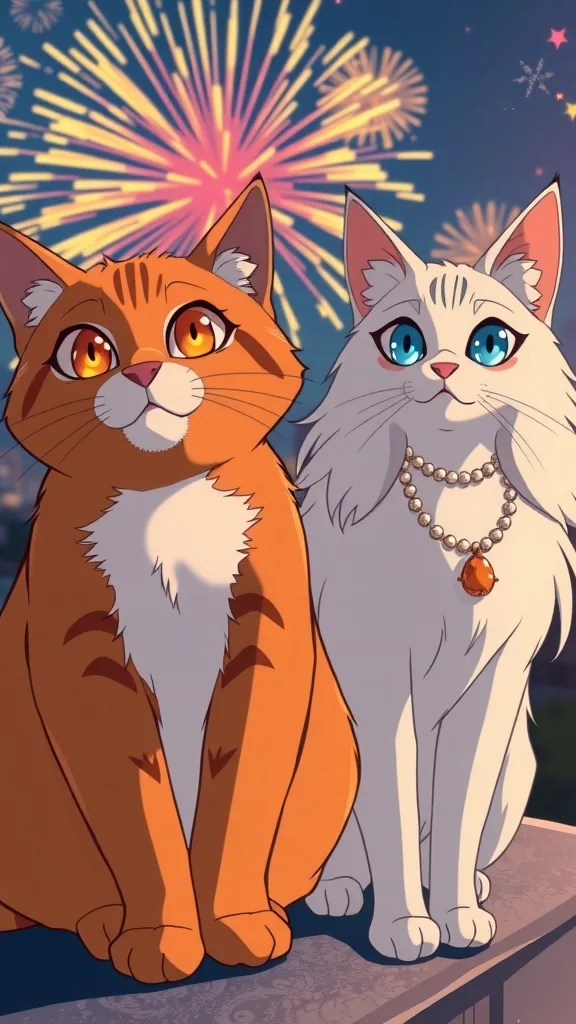
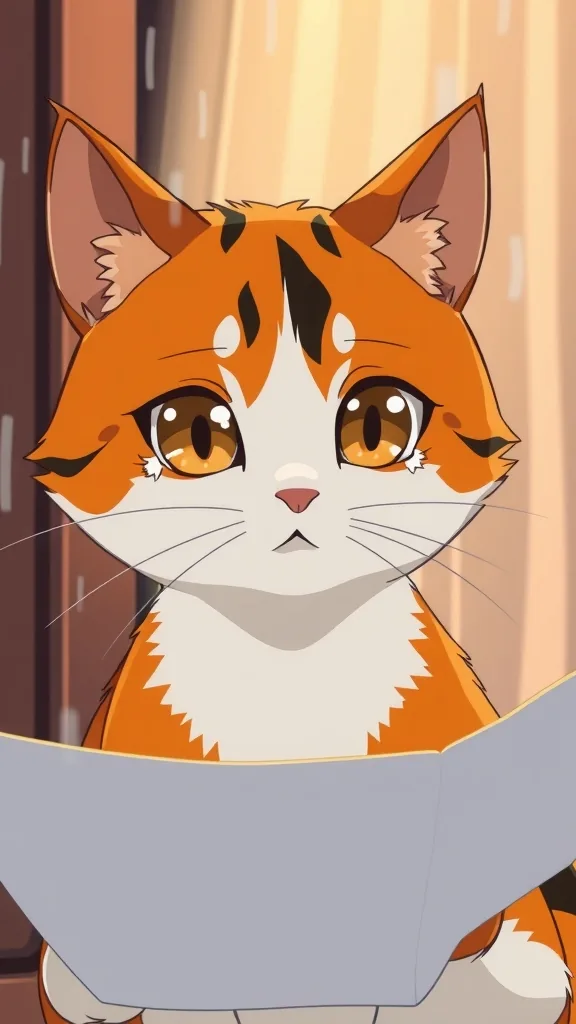
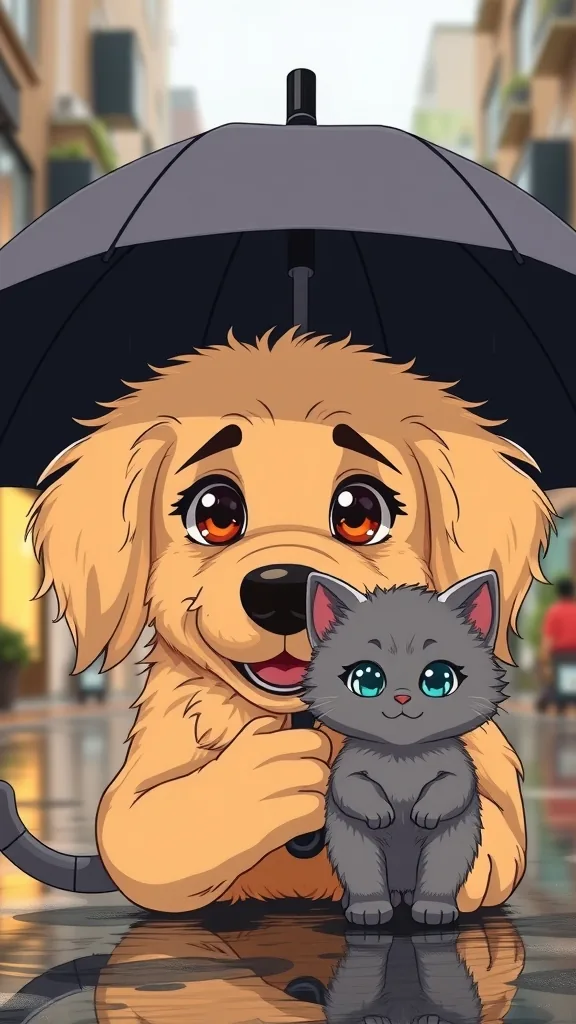
Series inspiration
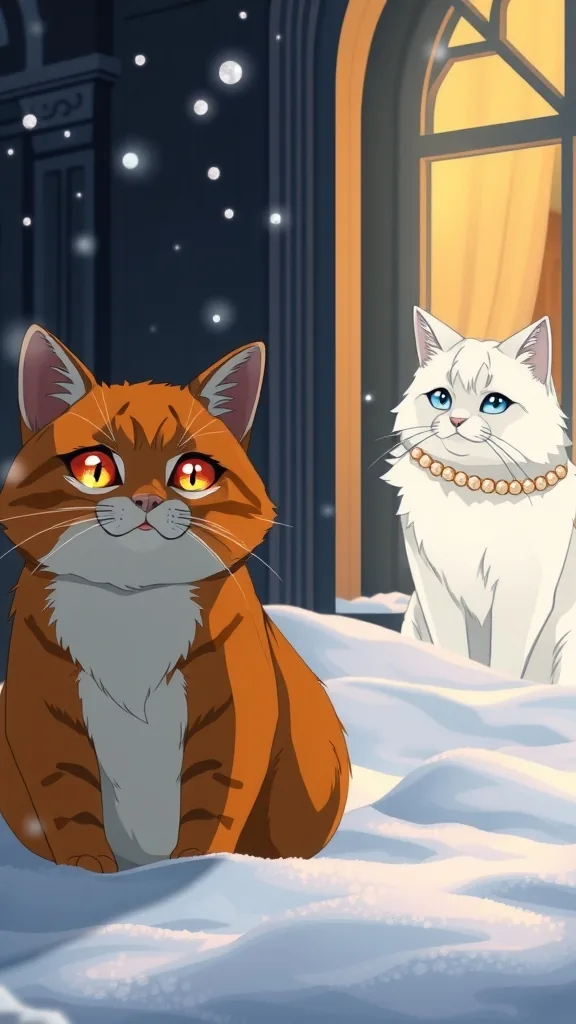
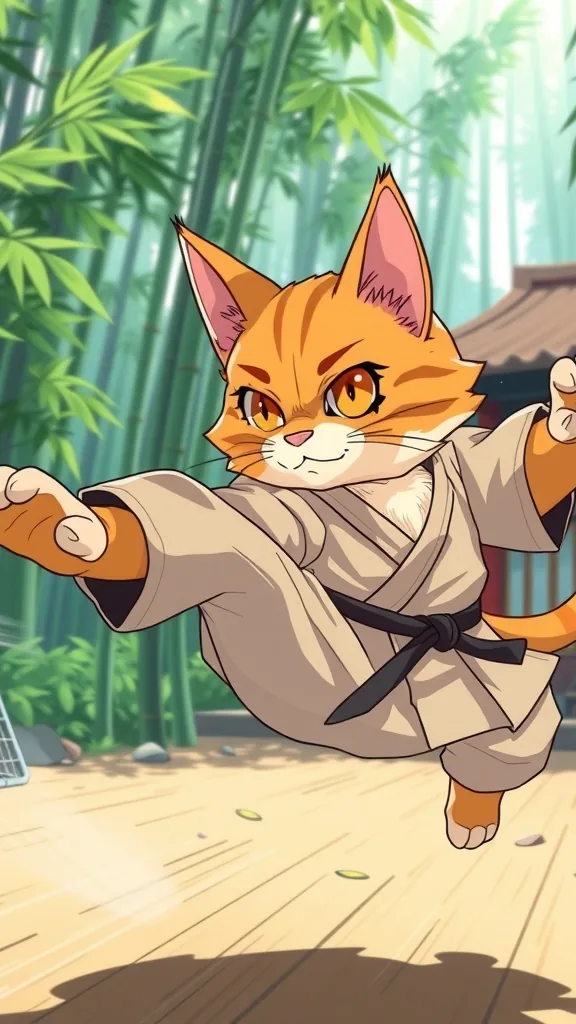
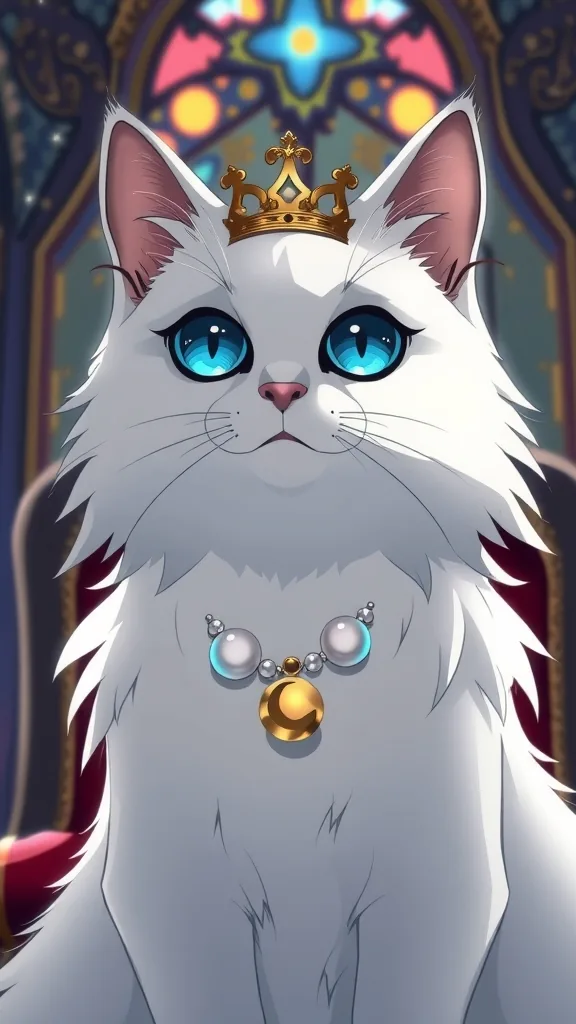
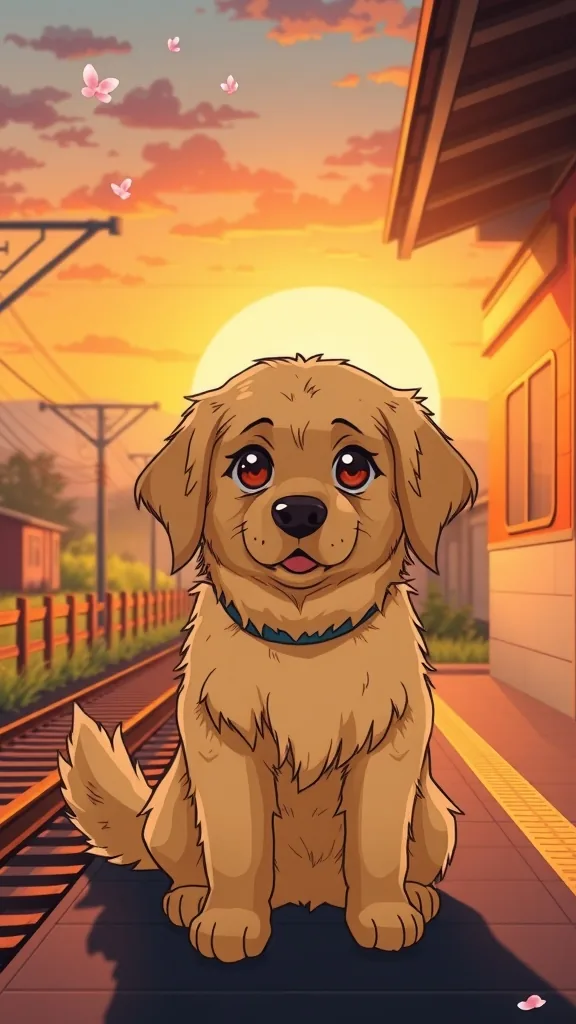
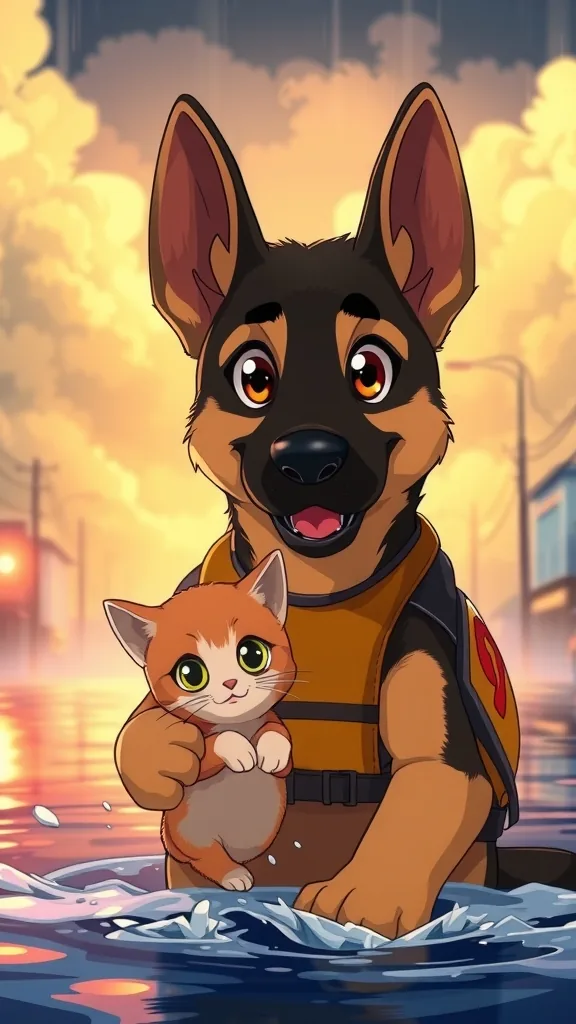
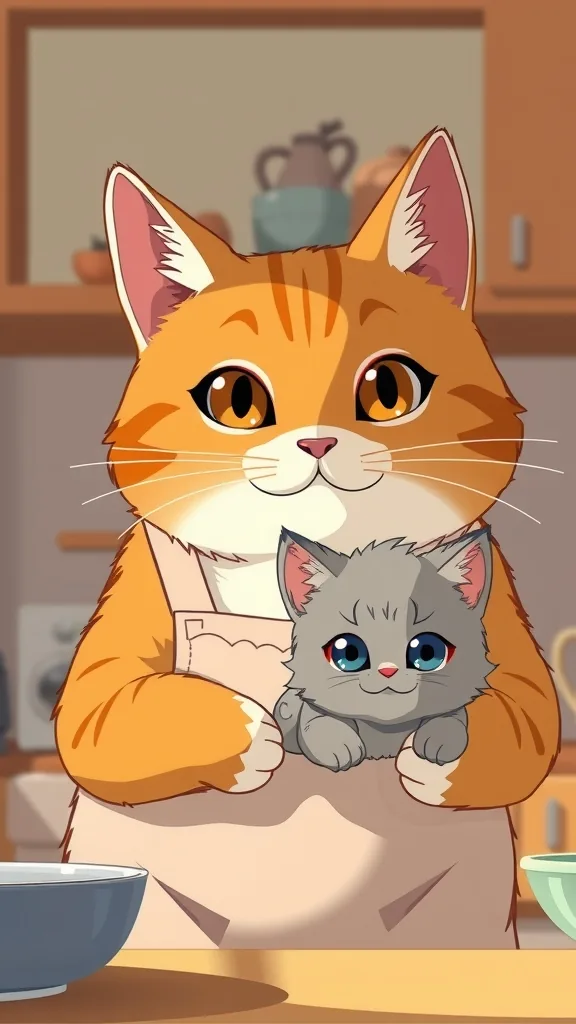
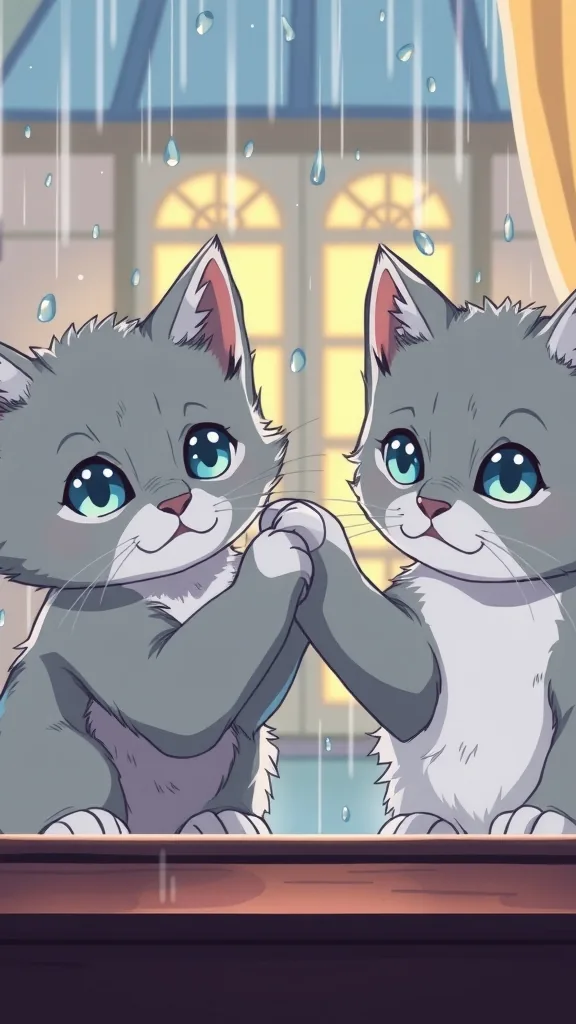
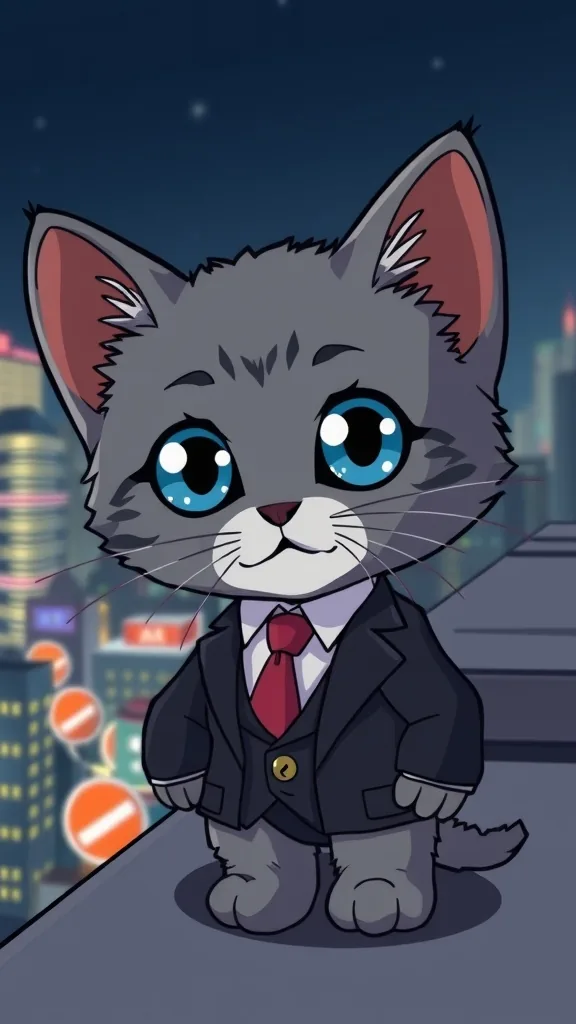
The characters and scenes on this site are AI-drawn illustrations (FLUX.1 [schnell] on Cloudflare Workers AI) made for these pages. They show each character's look; they are not episodes rendered with PawDrama.
How it works
Make Part 2
- 01
Open the finished episode
Go to the episode you want to continue. A sequel needs a finished previous episode to read from.
- 02
Click Make Part 2
The composer switches to sequel mode with the cast, the style and a recap of the last episode already filled in.
- 03
Steer what happens next
Add one sentence about where the story should go, or leave it open and read what the AI drafts.
- 04
Review and generate
Edit the script, check that the last shot leaves a real question, then generate. Repeat from the new episode for Part 3.
What carries over from Part 1
Make Part 2 starts from a finished episode and keeps the cast, the art style and the voices fixed. The same character sheets are sent as reference images, so the orange tabby in Part 2 has the same white chest and amber eyes he had in Part 1, and a custom actor made from your pet keeps its markings.
A written summary of the previous episode goes into the new script, so the AI knows who betrayed whom and where the story stopped. The new episode picks up from that point and closes on a fresh cliffhanger that sets up Part 3.
- Same cast and same style
- The same voice for every actor
- A recap of the previous episode passed to the script model
- A new cliffhanger in the closing shot
Planning a series that holds together
A series stays coherent when each part has one job. Part 1 sets up the wound and the characters involved. Part 2 raises the cost: a secret comes out or a rival arrives. Part 3 pays it off or springs a bigger twist. After that you can keep going for as long as the story has questions left.
Keep a one-line note for each part (who wants what, what changed) and add it to the script if the recap misses something. Moving the setting between parts is fine; changing a character's personality halfway through confuses viewers more than it surprises them.
What a five-part series costs
Each part is billed like any episode: 1 credit per second at 480p, 2 at 720p, plus 1 credit for its script draft. Five 60-second parts at 480p come to 305 credits including drafts; at 720p they come to 605.
So the 480p version fits the Creator plan's 600 credits with room for reshoots, and the 720p version needs Studio's 1,250. If your own pet is in the cast, its 6-credit actor fee is paid once when you create it, not again for every part.
Settings and tips
Sequel tips
Open with a recap shot
Viewers who missed Part 1 need one shot of context. A narrator line such as 'Last time, she found the ribbon' covers it in 5 seconds.
Number every part in the caption
'Part 3' in the caption or title lets a new viewer find the beginning. Keep earlier parts public so they can.
End each part on a question
A last shot that asks who sent the letter gives the next part something to answer. Rewrite the final line if the draft's cliffhanger feels weak.
Make the next part while the story is fresh
Generated clips are kept for 14 days by the provider. Download each finished part so your series archive does not depend on that window.
When Make Part 2 is the right tool
A good fit when
- Accounts posting a numbered series with a fixed cast
- Stories too big for 90 seconds
- Owners whose own pet has become a recurring character
Not the right tool when
- Continuing a video made in another app; Part 2 needs a previous episode made here
- Switching the cast or the art style mid-series; start a new series instead
- One continuous file longer than 90 seconds; each part is a separate MP4
- Sequels to someone else's show or characters
Related pages
FAQ
Questions people ask
Continue your story
Same cats, same voices, a recap of last time and a new cliffhanger at the end.
Make Part 2