
3D animated style
3D Animated Cat Story Videos
3D animated cat story videos are short vertical dramas drawn in a stylized 3D film look, with soft all-around lighting, rounded cartoon proportions and fur detailed enough that you can almost see each strand. On PawDrama you pick the 3D style in the composer, choose a template or paste a script, and every 5-second shot is generated in that look from your actors' character sheets.
Generating uses credits · new accounts can start with a one-time starter pack
Script 1 credit, then 60 credits to shoot 30 s at 720p
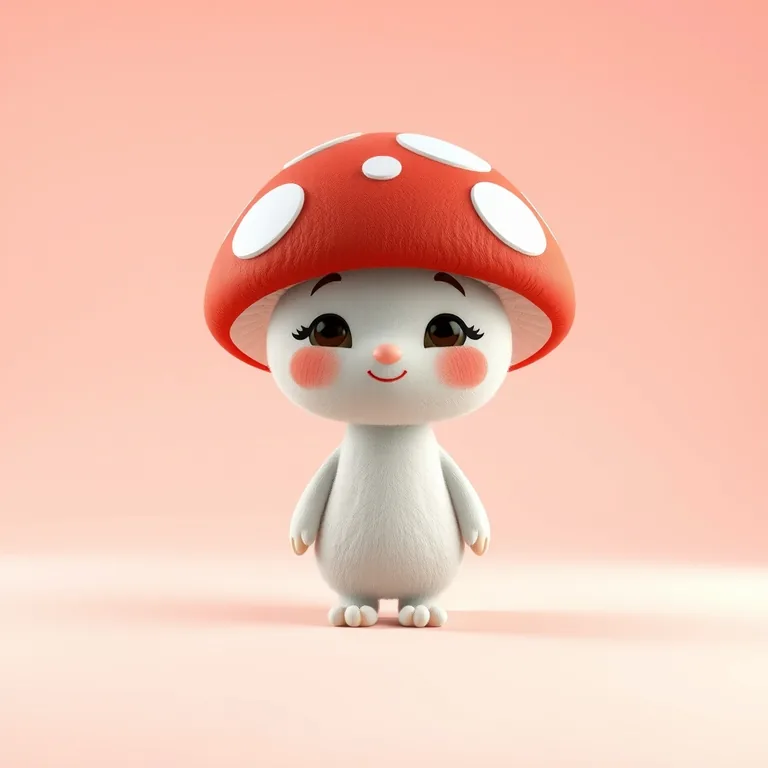
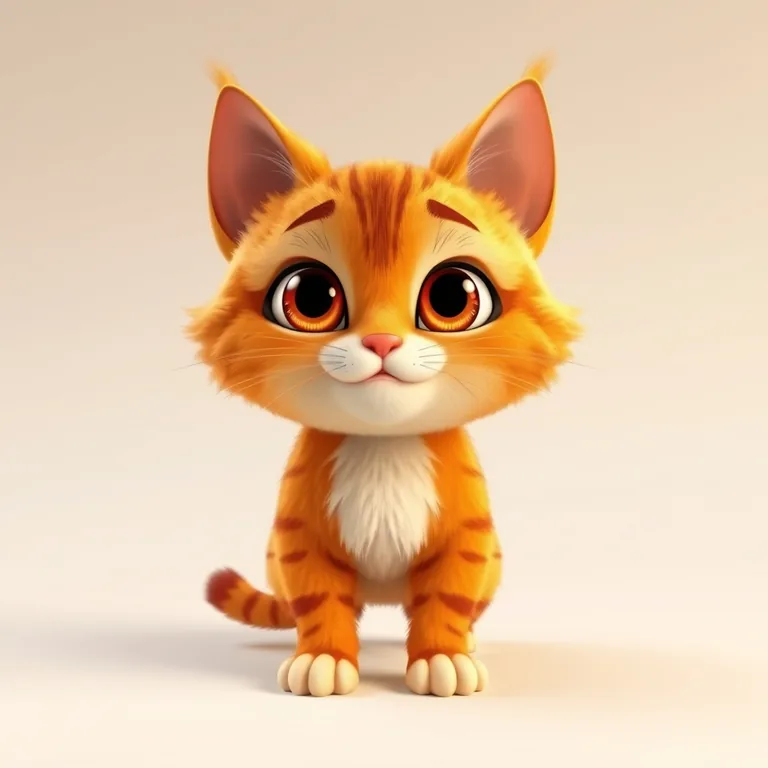
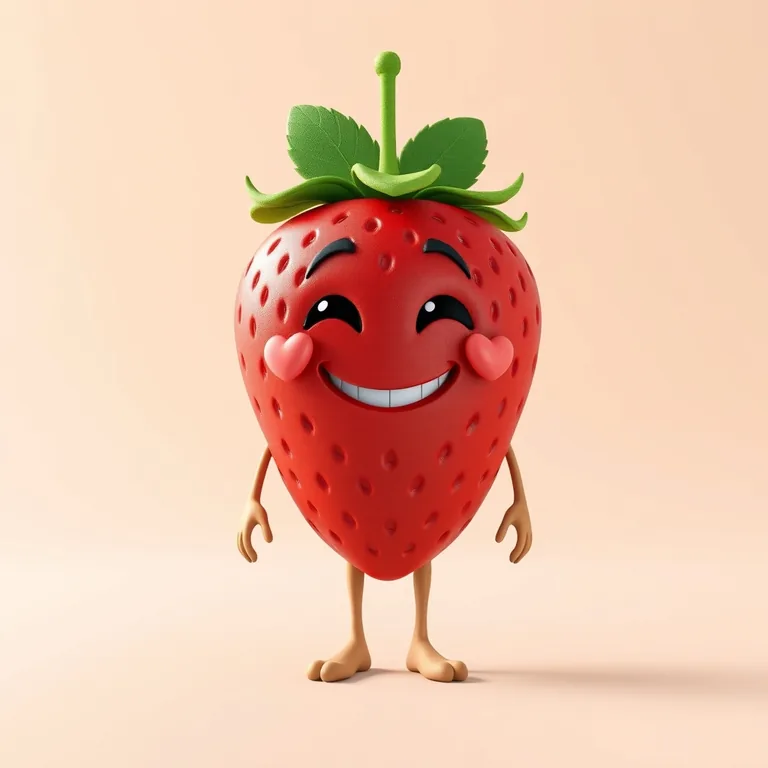
3D style inspiration
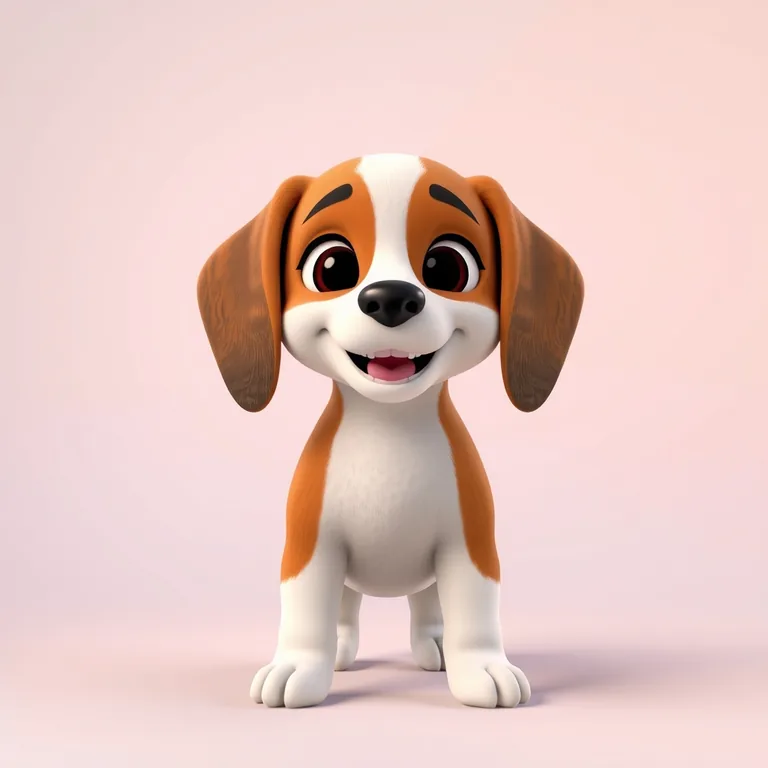
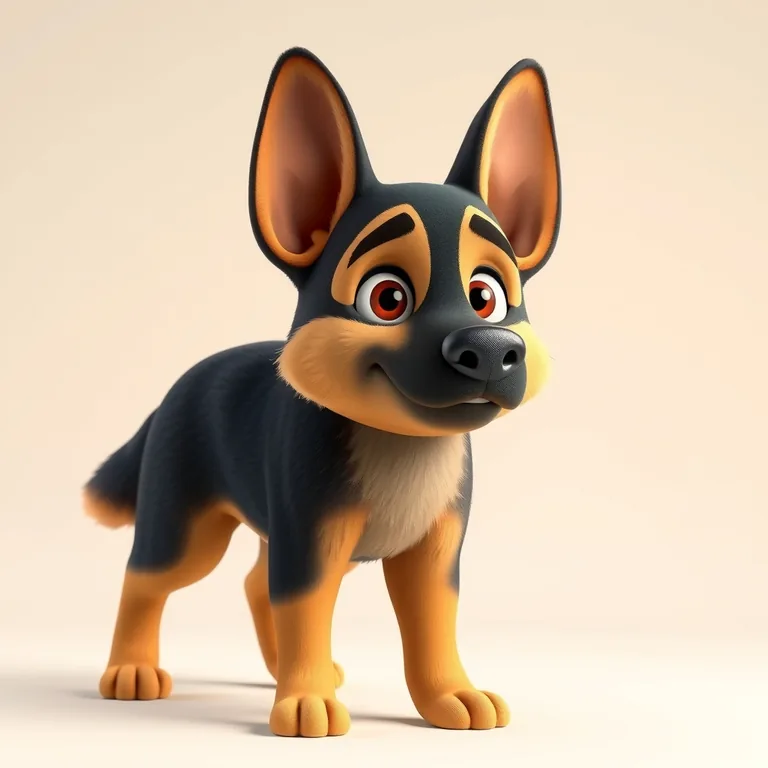
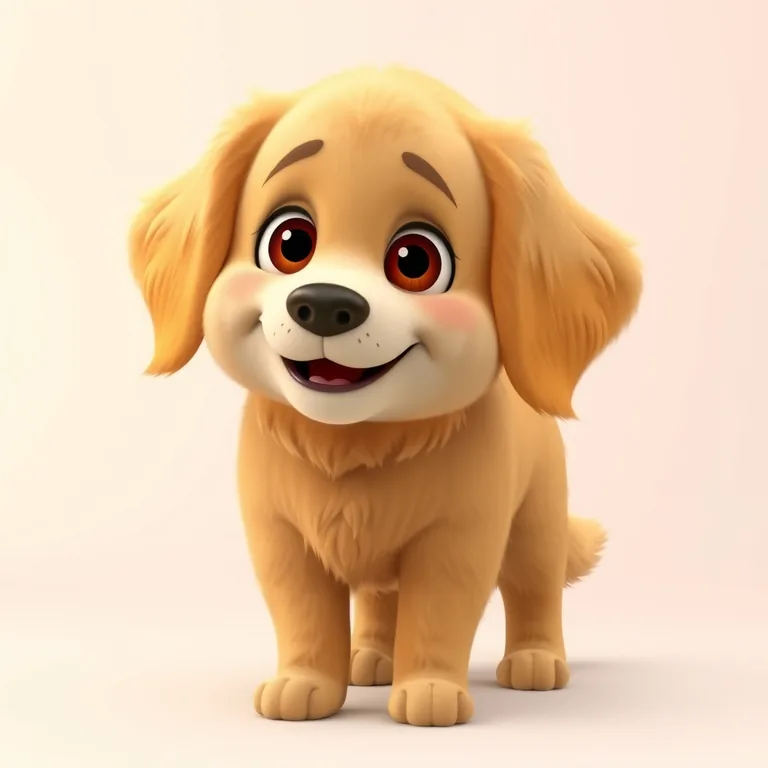
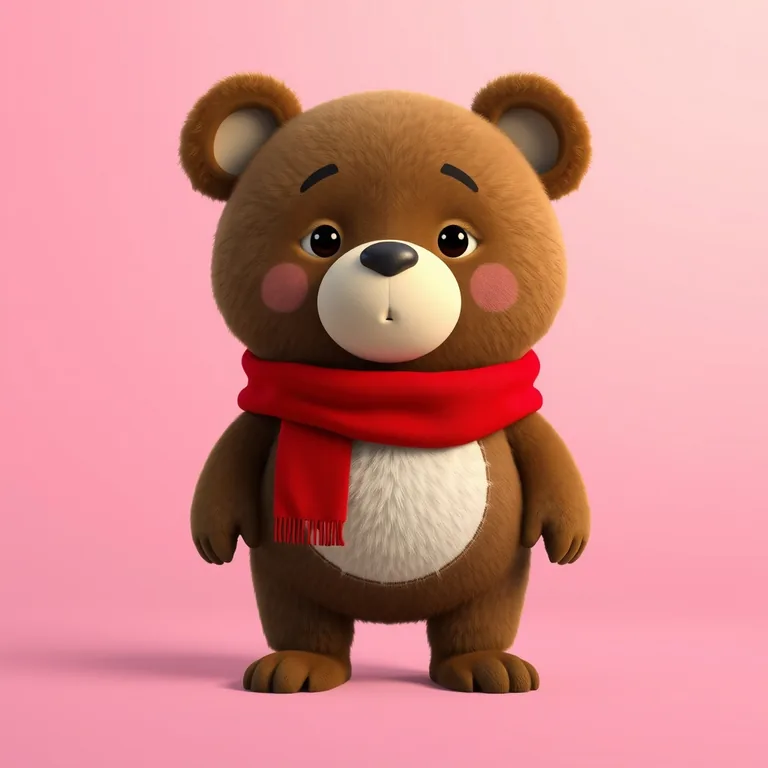
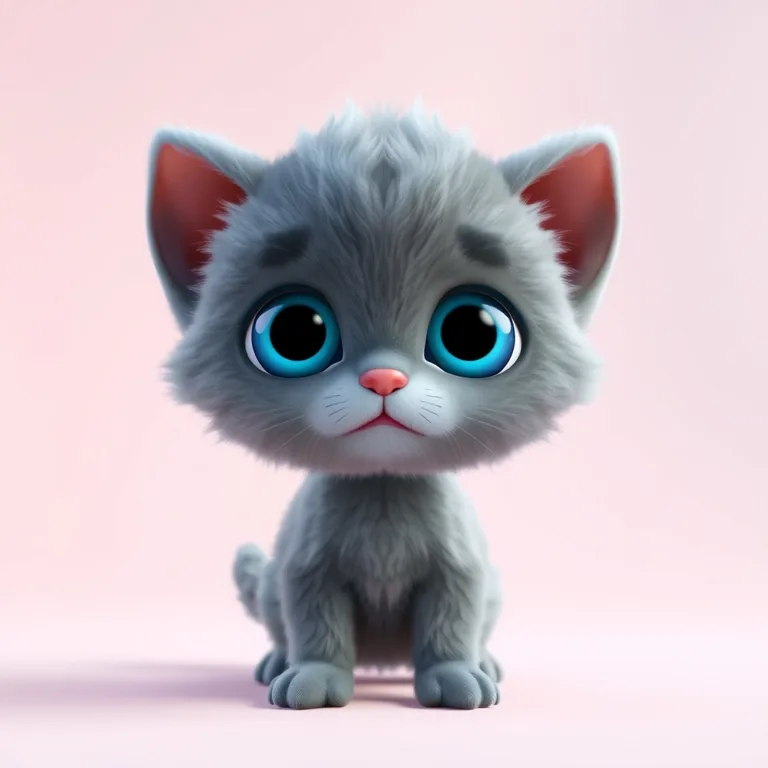
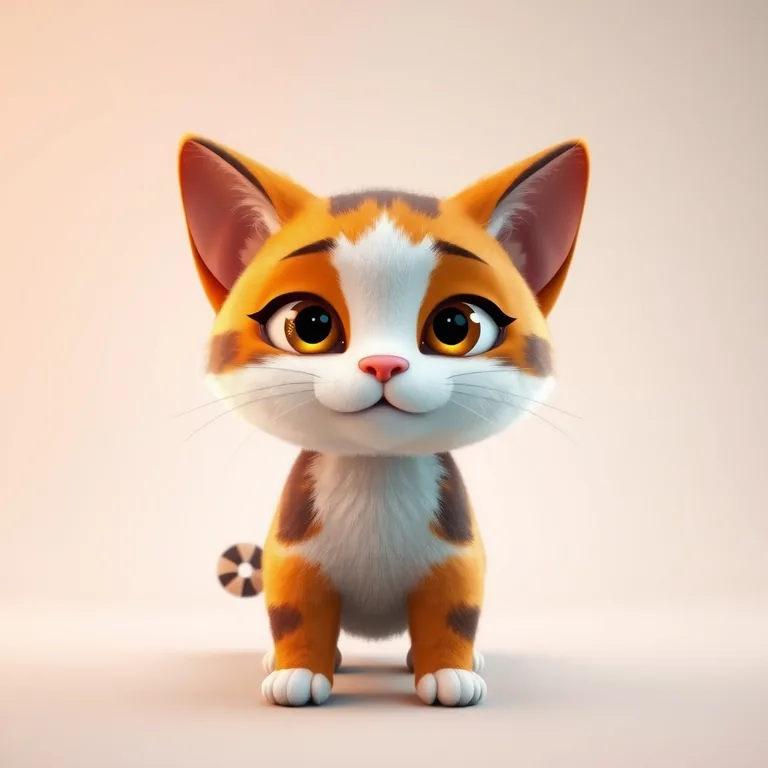
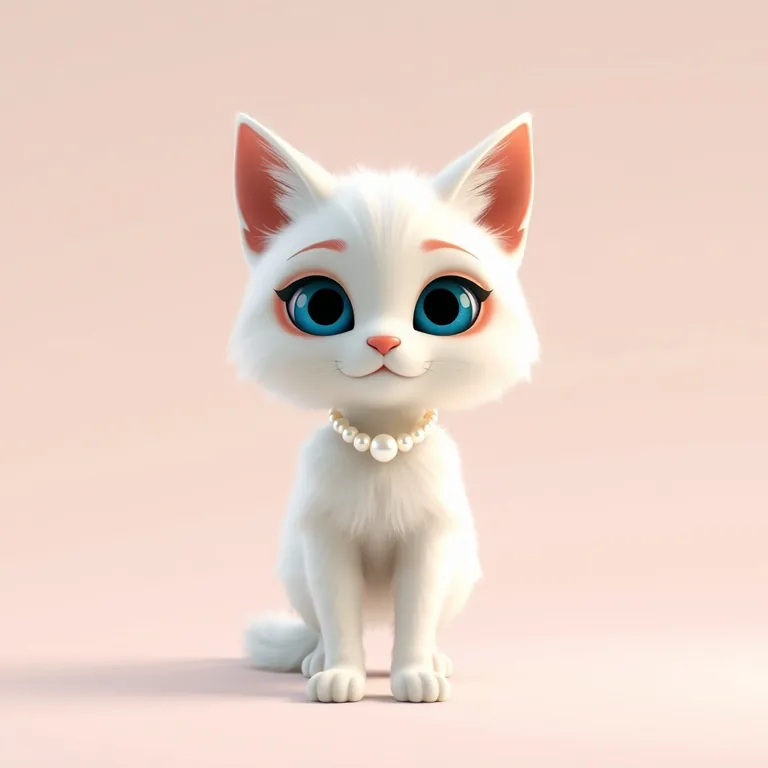
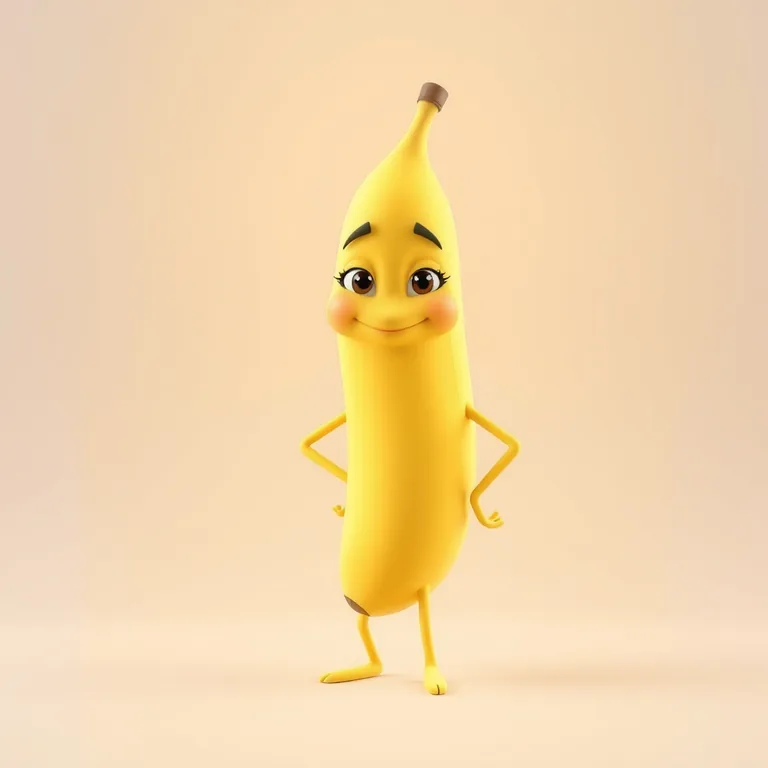
The characters and scenes on this site are AI-drawn illustrations (FLUX.1 [schnell] on Cloudflare Workers AI) made for these pages. They show each character's look; they are not episodes rendered with PawDrama.
How it works
How to make a 3D animated episode
- 01
Choose the 3D style
In the composer, select 3D before you generate anything. Templates open in anime by default, so switch the style to 3D yourself.
- 02
Pick a plot and a cast
Choose a template, paste your own script or type a one-line plot. Add up to 4 actors, from the preset cats, dogs and friends or your own uploaded pet.
- 03
Describe light and texture
Edit the AI script so each shot names its light source and one material: firelight on fur, neon in a puddle, snow on whiskers. This is where the 3D look earns its keep.
- 04
Generate and download
Pick 480p or 720p and a length from 15 to 90 seconds, then generate. The shots are joined in your browser into an MP4 with voices, subtitles and music, plus an .srt file if you need one.
What the 3D animated look is
The 3D style asks the video model for a stylized animated film look: soft global illumination, expressive cartoon proportions and rich fur. In practice that means big eyes, slightly rounded bodies, light that wraps gently around the characters and backgrounds with a shallow depth of field, so the cat in front stays sharp and the room behind it softens.
Because the light behaves like real light, the style is strongest in scenes with a clear source: a fireplace, a streetlamp, a sunrise through a kitchen window. Fur responds to that light, which is why snow, rain and warm interiors look so good in it.
Which stories suit 3D
3D is the all-rounder. It carries emotional family stories (single dad, the loyal dog at the station), rags-to-riches plots with snowy streets and glittering ballrooms, rescue stories with storms and floodwater, and comedy like instant karma and the fruit love triangle, where the fruit look round and glossy.
- Weather and seasons: snow, rain, autumn leaves.
- Contrast scenes: a cold street outside a warm window, a dark pier and a lit yacht.
- Close-ups of faces and paws, where fur detail shows.
- Glossy objects: fruit, ice cream, chandeliers, wet cobblestones.
How to write prompts for 3D
Write like a lighting director. For each shot, say where the light comes from, what color it is and what it touches: 'warm orange firelight from the left, catching the white tips of his fur.' Add one texture word per shot (velvet, wet, frosted, fluffy, glossy) and one camera instruction (slow push in, low angle, wide shot).
Do not name film studios, their movies or their characters to get the look. The 3D style already supplies it, and copyrighted characters and brands are not allowed in prompts. Describe the mood you want instead: cozy, lonely, grand, silly.
When another style fits better
For heavy action with speed lines and magic effects, the anime style, which every template opens in, is a better match. For a handmade, toy-like feel with miniature sets, claymation fits better. And if you need photorealistic pets, none of the three styles is photoreal: 3D is the closest, but it is still a cartoon.
Settings and tips
Parameters and tips for 3D
720p shows the fur
Fine fur, snowflakes and reflections are detail that benefits from 720p (2 credits per second). Use 480p (1 credit per second) for a rough cut to check pacing.
Repeat the setting in every shot
Each 5-second shot is generated separately from the actors' character sheets. Repeat the location and light in each shot description so the scene stays continuous.
Solid-color pets hold up well
If you upload your own pet, solid-color or simply patterned coats give the most stable 3D character sheets.
Keep the series in one style
Make Part 2 keeps the cast and the style of the previous episode, so a 3D series stays 3D from start to finish.
Is the 3D style right for your story?
A good fit when
- Emotional family dramas and tearjerkers
- Snow, rain and other weather-heavy scenes
- Rags-to-riches plots with rich and poor settings side by side
- Pet owners who want their cat or dog to look soft and touchable
- Fruit and object characters with glossy surfaces
Not the right tool when
- Photorealistic pet videos (the look is always a stylized cartoon)
- Fast fight scenes that need anime speed lines and effects
- A handmade stop-motion feel (use claymation)
- Horizontal or 1080p video (episodes are 9:16 at 480p or 720p)
Related pages
FAQ
Questions people ask
Make your first 3D episode
Pick a plot, choose your cats or dogs and see them in the 3D look, in a vertical episode with voices and subtitles.
Start in 3D