
For TikTok creators
AI Cat Drama Videos for TikTok
PawDrama makes AI cat drama videos for TikTok: vertical 9:16 episodes with talking cats, burned-in captions and mood music, cut into 5-second shots that suit the app's pace. Choose a plot and cast, keep the default 30 seconds at 720p and generate.
Generating uses credits · new accounts can start with a one-time starter pack
Script 1 credit, then 60 credits to shoot 30 s at 720p

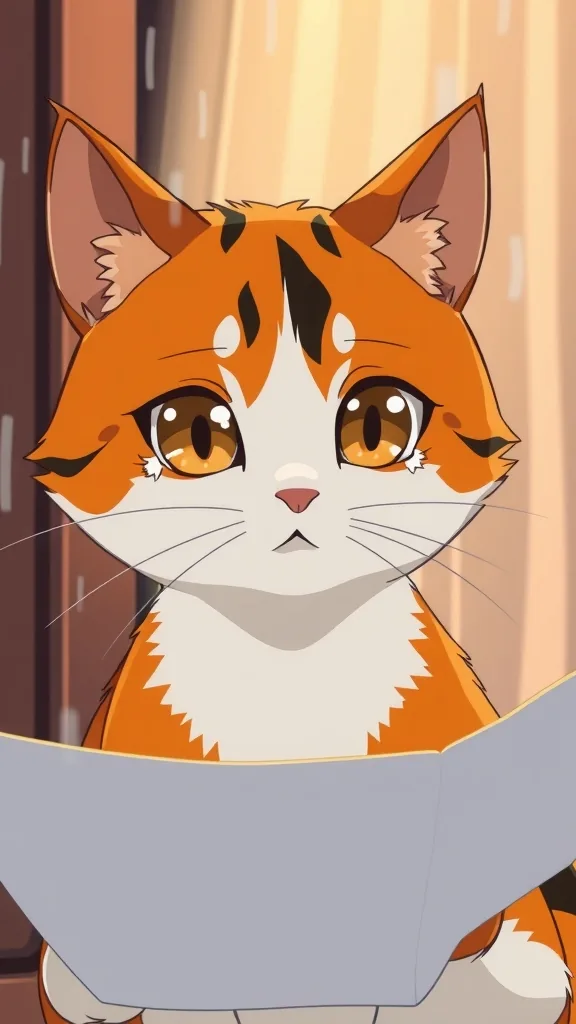
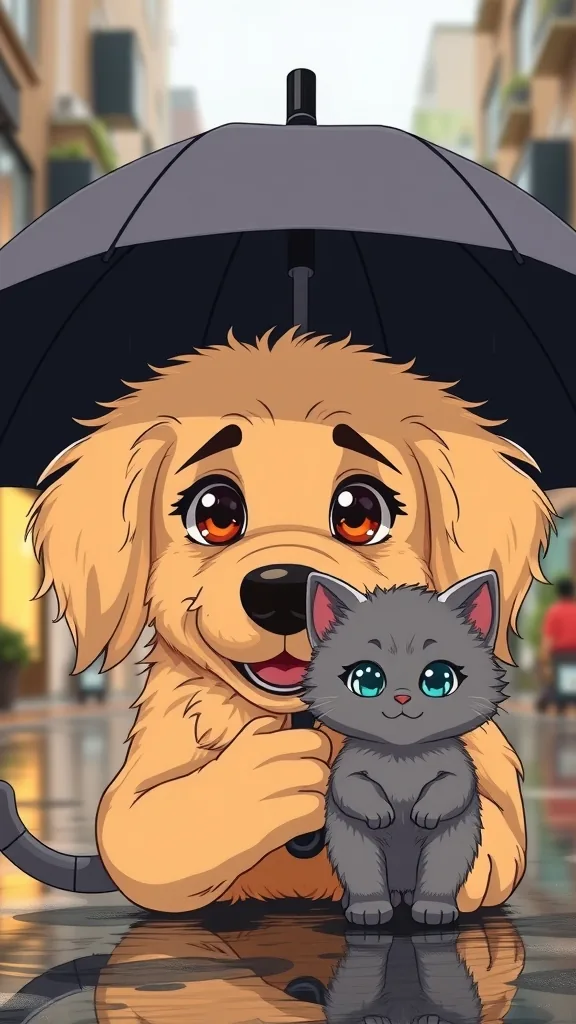
TikTok cat drama inspiration
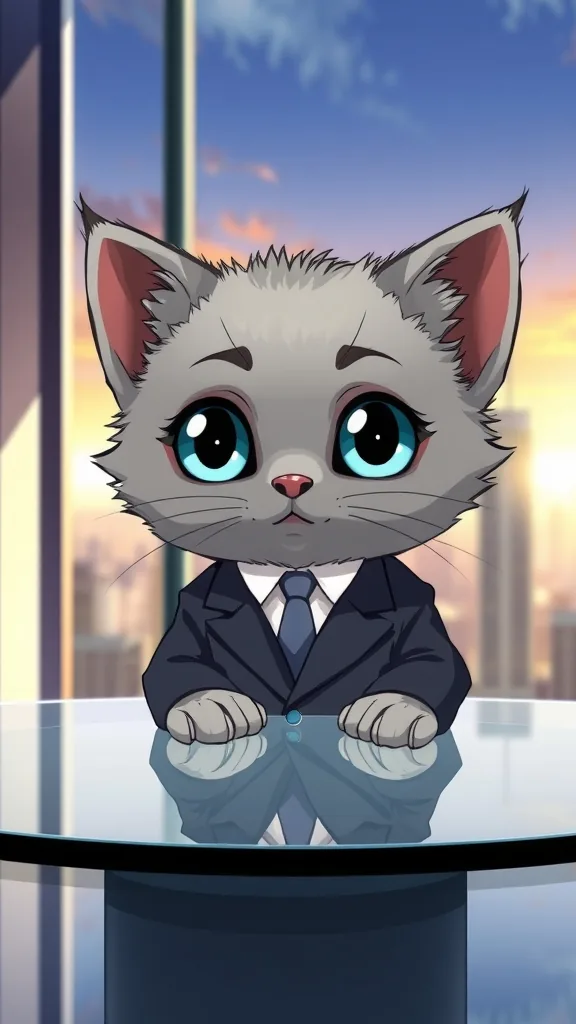
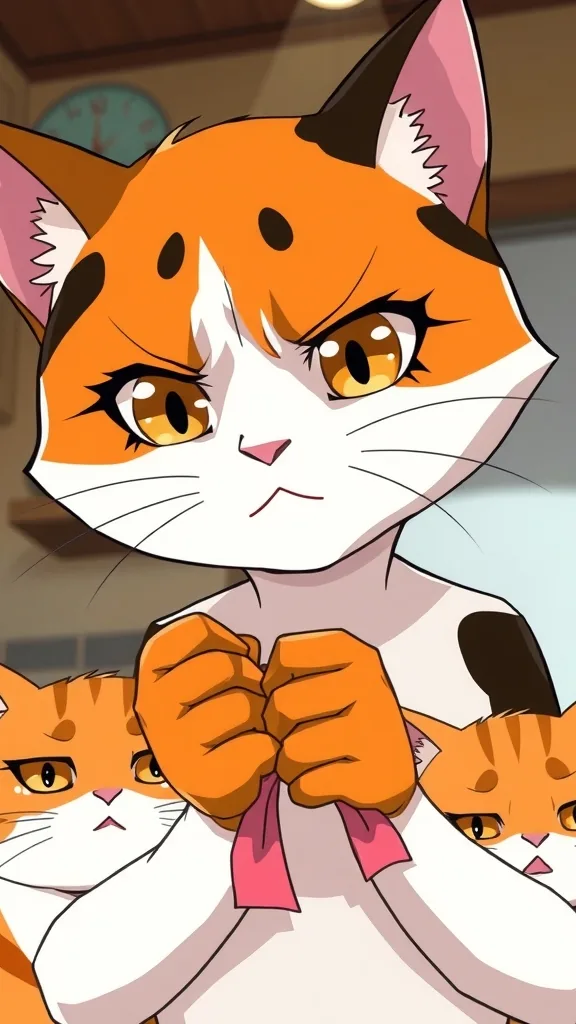
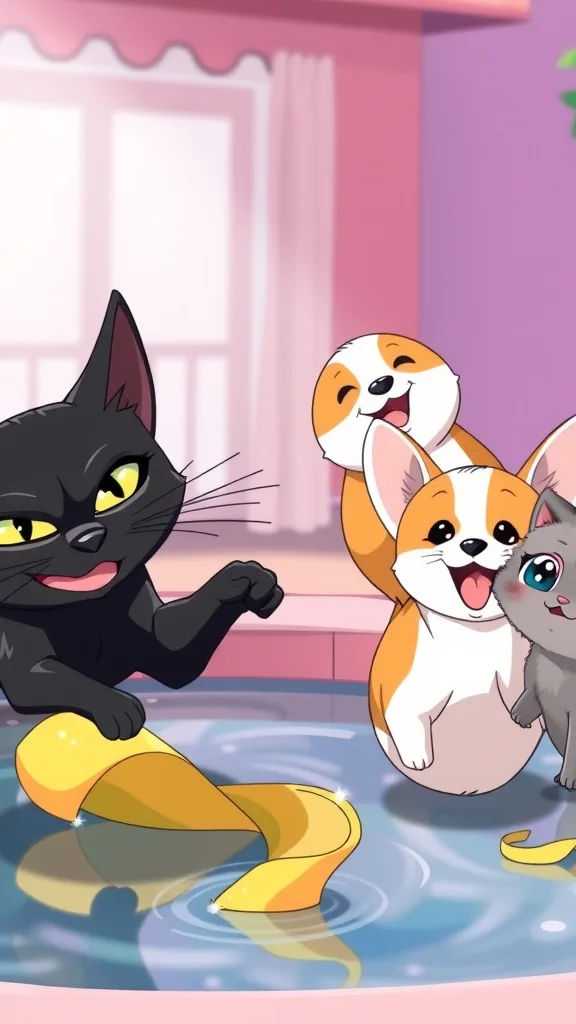

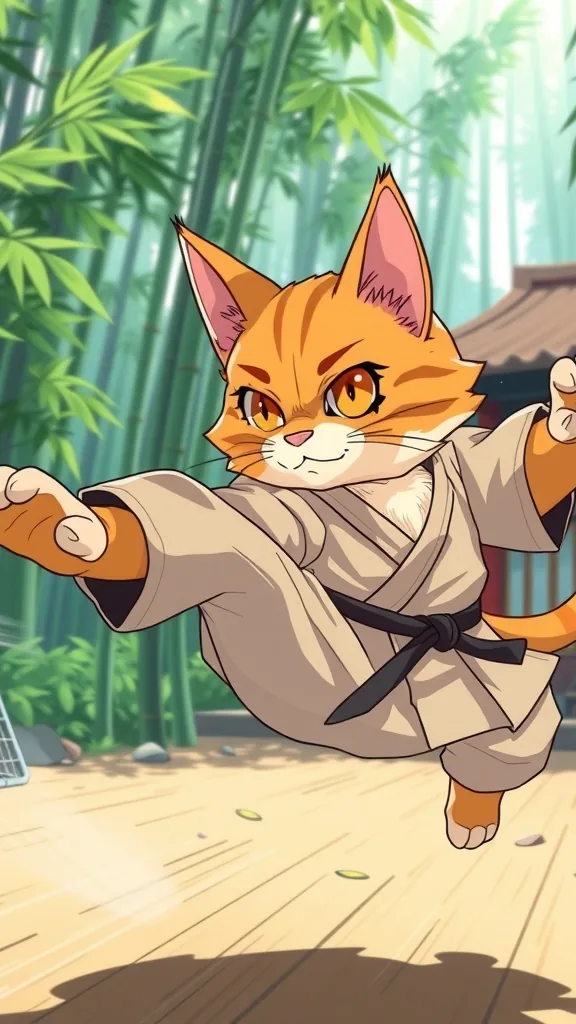
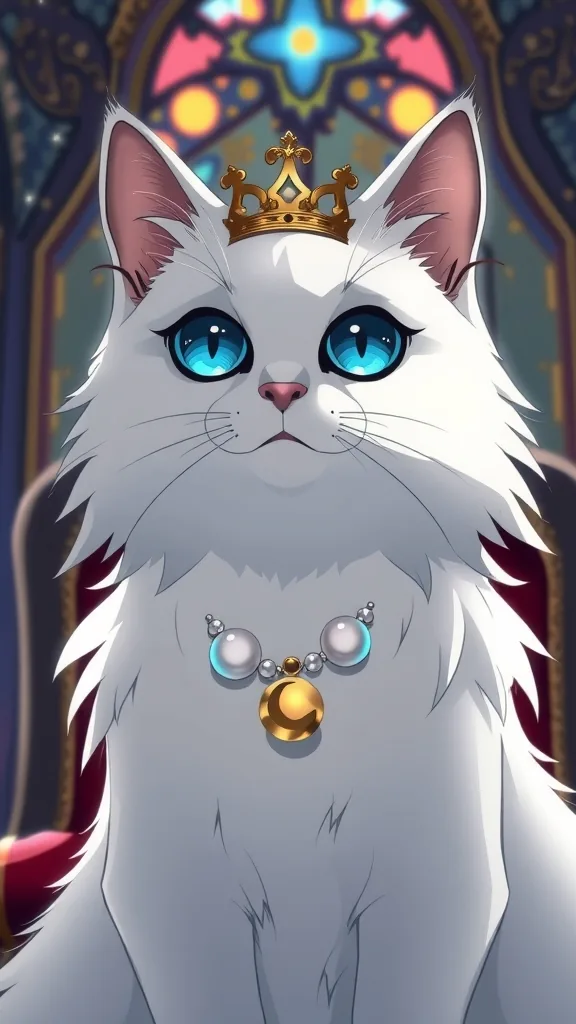
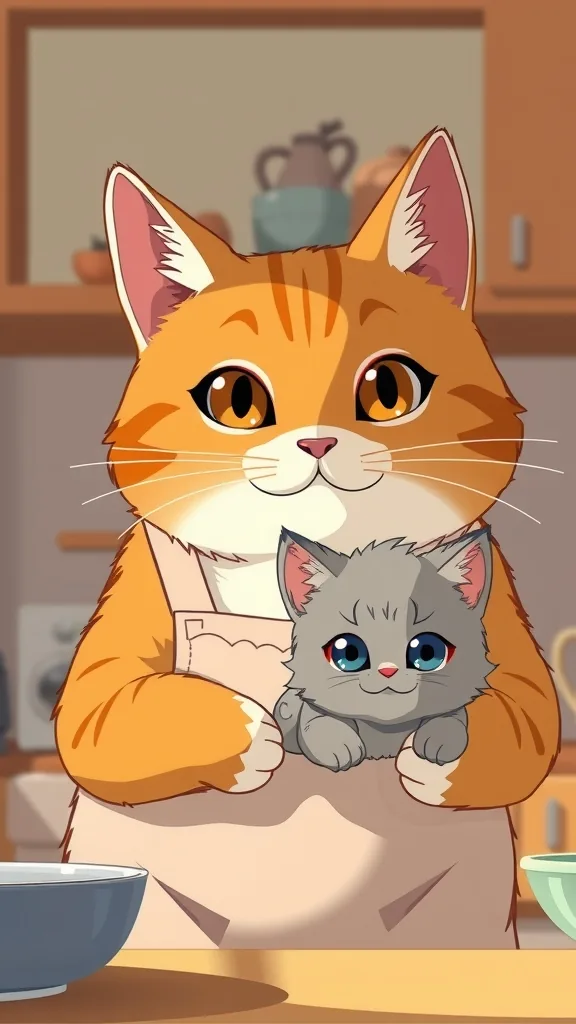

The characters and scenes on this site are AI-drawn illustrations (FLUX.1 [schnell] on Cloudflare Workers AI) made for these pages. They show each character's look; they are not episodes rendered with PawDrama.
How it works
From idea to TikTok post
- 01
Start from a hook
Pick a template whose opening is already a conflict, such as Instant Karma Revenge or Kicked Out in the Snow.
- 02
Generate at 30 seconds, 720p
Six shots for 60 credits. If you are still testing the idea, run it at 480p for 30.
- 03
Download the MP4
Captions are already burned into the picture, so the file is ready to upload as it is.
- 04
Post with the AI label on
Put the part number in the caption and switch on TikTok's AI-generated content setting before publishing.
- 05
Queue the next part
Click Make Part 2 while the story is fresh in your head, so the next episode is ready before the comments ask for it.
The first three seconds
On TikTok people decide almost instantly whether to keep watching, so the opening shot carries the episode. Open on the conflict, not the setup: the door slamming in the snow, the slap, the cake hitting the floor. Shot 1 lasts 5 seconds, which means one picture and one line have to earn the next 25.
Burned-in subtitles matter here because many people scroll with the sound off. Keep the first line under eight words so it can be read in a single glance.
Length and posting rhythm
Thirty seconds (six shots) is the default on this page: enough for a setup, a turn and a cliffhanger, and short enough to rewatch. Fifteen seconds suits a single instant-karma gag. Sixty and ninety seconds suit slower family sagas.
Cat drama accounts tend to post in numbered parts, and Make Part 2 keeps cast and style fixed, so Part 7 still looks like Part 1. Credit math for some common rhythms at 30 seconds:
- Starter, 250 credits: eight 480p episodes a month (about two a week) with their script drafts
- Creator, 600 credits: nine 720p episodes a month with their drafts
- Studio, 1,250 credits: twenty 720p episodes a month, about five a week
AI labels and account health
TikTok asks creators to label AI-generated content and has a setting for it on the upload screen. Turn it on for these episodes. PawDrama does not add a watermark, so that label is your disclosure.
You may post episodes commercially, including on monetized accounts and in ads, as long as they follow the content policy. Using original characters avoids the copyright trouble that comes with cartoon cats owned by someone else. If you are aiming for one of TikTok's creator programs, read its current eligibility rules, including any minimum video length, before choosing your episode length.
Settings and tips
TikTok-specific tips
End the caption with a question
'Would you forgive him?' gives viewers something to answer. Keep it honest and do not promise a payoff the next part will not deliver.
Keep one look per account
Pick 3D, anime or claymation and stay with it, so your series is recognizable in the feed before the first line is read.
Match the dialogue language to your audience
If most of your followers speak Spanish or Portuguese, set the episode language to match; voices and captions follow it.
Fix a weak opener cheaply
If shot 1 falls flat, regenerate only that shot for 10 credits at 720p instead of remaking all six.
Who this suits on TikTok
A good fit when
- New TikTok accounts built around one cat drama series
- Existing pet accounts adding a scripted storyline
- Creators posting in Spanish, Portuguese, German, French, Japanese or Chinese as well as English
Not the right tool when
- Lives, duets or stitches that need a real person on camera
- Landscape videos for other platforms
- Trend remixes that use someone else's characters
- Anyone who needs a promise of views; no tool can make one and we do not
Related pages
FAQ
Questions people ask
Make episode one for your TikTok
Thirty seconds, six shots, captions already burned in. Change the plot or keep the instant karma.
Make a TikTok episode