
Bring your own script
Can I paste my own script and turn it into an AI cat drama video?
Yes: PawDrama is a script to video tool for AI cat dramas that splits your pasted script into 5-second shots, casts your cats and returns a vertical episode with their voices, subtitles and music. Paste the script, match each speaking part to an actor, pick a length and generate.
Generating uses credits · new accounts can start with a one-time starter pack
Script 1 credit, then 30 credits to shoot 30 s at 480p

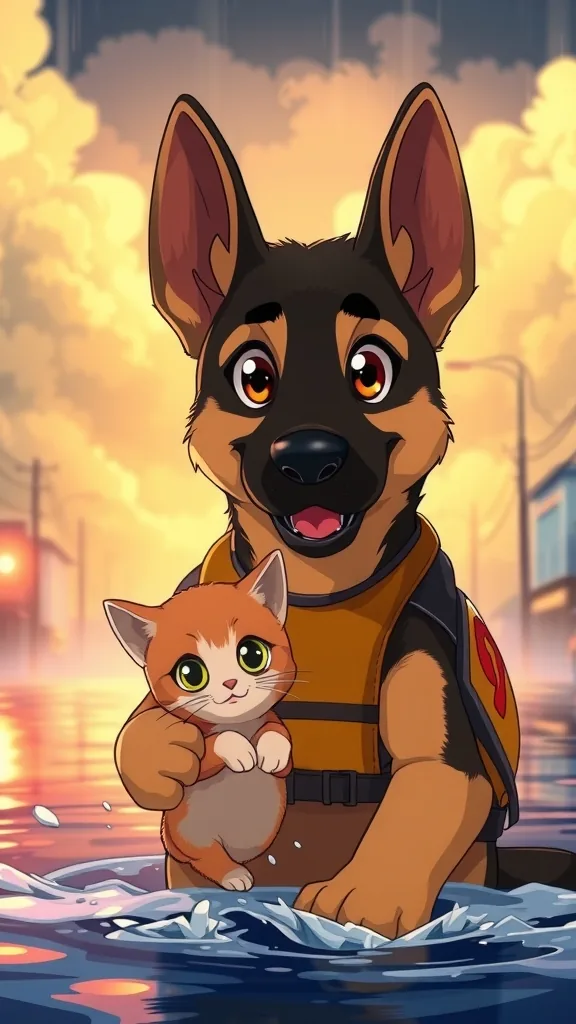
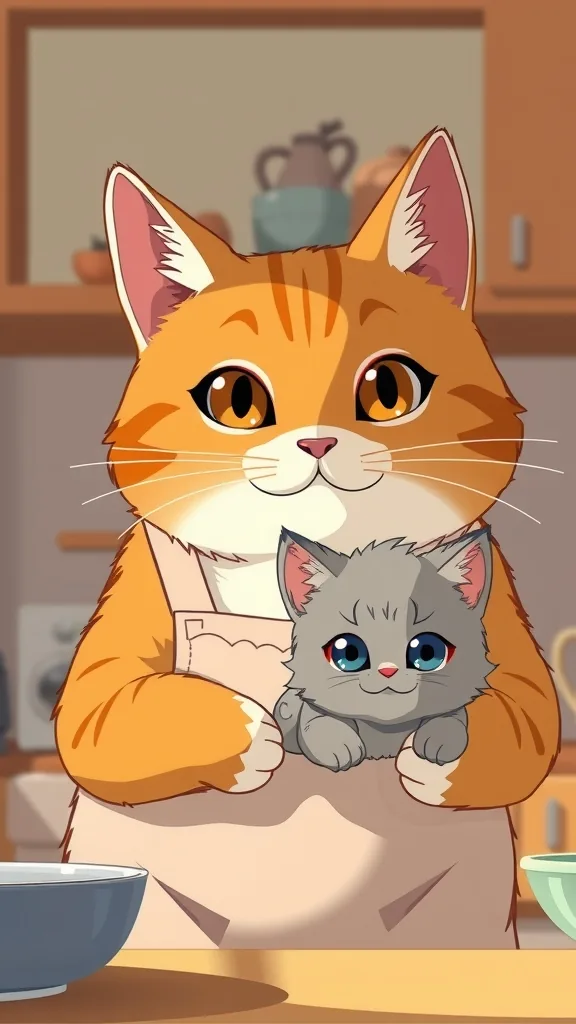
Scripted episode inspiration

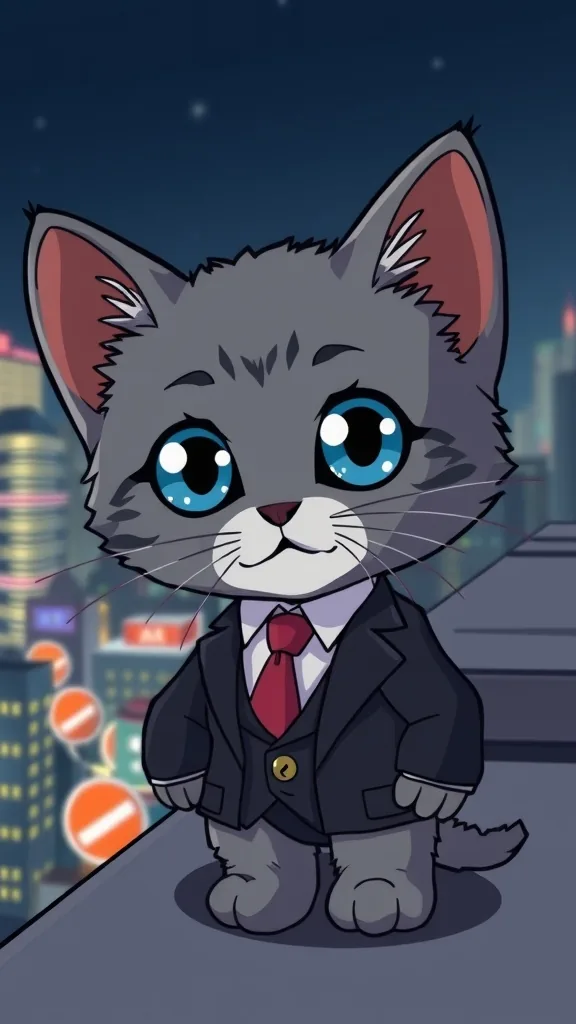

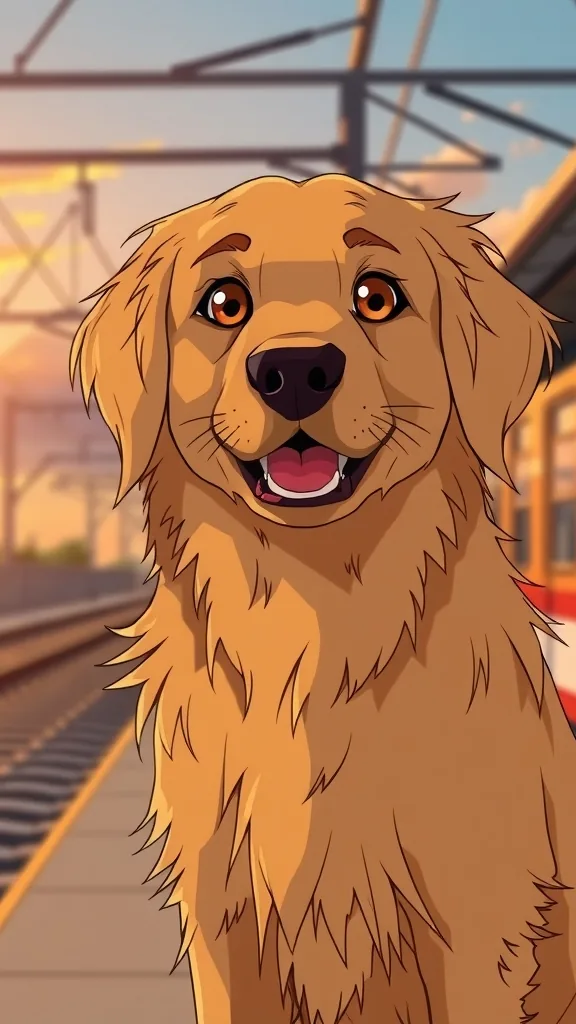
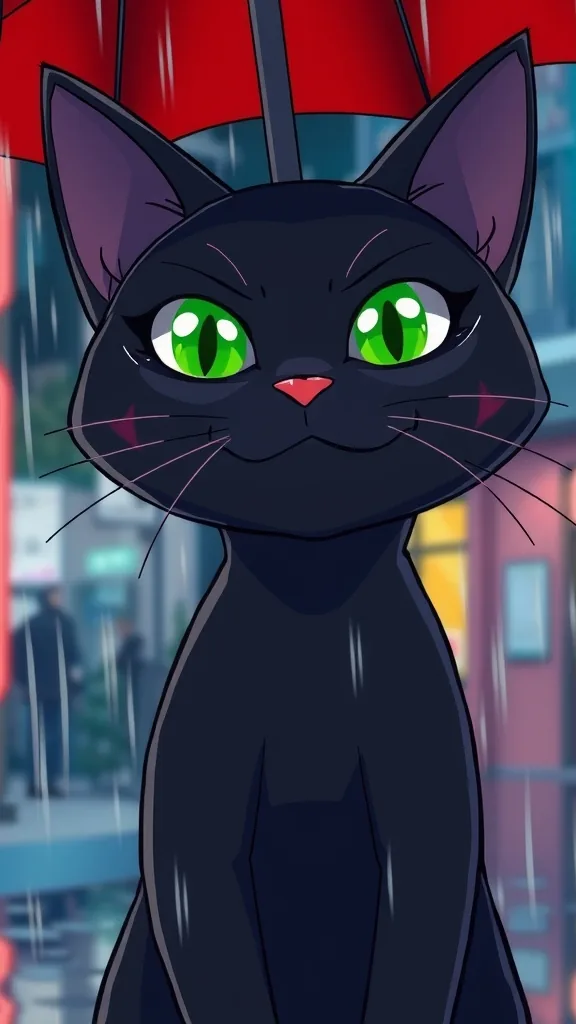



The characters and scenes on this site are AI-drawn illustrations (FLUX.1 [schnell] on Cloudflare Workers AI) made for these pages. They show each character's look; they are not episodes rendered with PawDrama.
How it works
Turn your script into an episode
- 01
Paste the script
Switch the composer to Script and paste plain text, one speaker per line with the name in capitals.
- 02
Map speakers to actors
Assign each name in the script to a preset actor or to one of your own from My Actors. Unassigned voice-over goes to the narrator.
- 03
Check the shot list
Read the split shot by shot. Move a line, tighten a visual description, or merge two short lines into one shot.
- 04
Generate
Pick 3D, anime or claymation, 480p or 720p and a music mood. The MP4 and an .srt subtitle file are ready to download when it finishes.
How to format a script so it splits cleanly
Write one speaker per line, with the character's name in capitals before a colon: NARRATOR, ORANGE TABBY, WHITE CAT. Put stage directions in square brackets, such as [close-up: the kitten hides the fish behind her back]. The AI reads names, lines and directions and groups them into 5-second shots.
Shot numbers and camera jargon are optional. A blank line between scenes helps the split, and a short heading like 'Rooftop, night' tells the model where to set the next few shots.
- Keep each character's name identical throughout; 'Mama' in one line and 'Calico' in the next reads as two characters
- Up to 4 speaking characters per episode, and no more than 3 in the same shot
- Use narrator lines for time jumps, inner thoughts and scene setting
How much script fits in each length
A 5-second shot comfortably holds one short line, roughly a dozen words at an easy speaking pace. That gives a rough budget of about 3 lines for 15 seconds, 6 for 30, 12 for 60 and 18 for 90.
If your script runs longer, you have three options: cut lines, choose the next length up, or stop at a strong moment and save the rest for Part 2. A three-minute script, for example, splits naturally into two 90-second parts.
What the split does to your words
The split is about structure. It decides which lines land in which shot and writes a visual description for each one, using your stage directions where you gave them. Check every shot before generating and restore any wording you want exactly as you wrote it.
Scripts in English, Chinese, Japanese, German, French, Spanish or Portuguese can be voiced and subtitled. Write in the language you want the episode to play in.
Settings and tips
Writing for the video model
Write what can be seen
'The white cat drops her teacup' gives the model an action to animate. 'She feels betrayed' gives it nothing to draw.
Put the hook in line one
The first shot is the one that decides whether people keep watching. Open on the accusation, not on the weather.
Leave out real names and brands
Scripts are checked before generation. Characters based on real people, copyrighted characters and brand names are refused.
Redo one shot, not the episode
If a single shot comes out wrong, regenerate just that one: 5 credits at 480p or 10 at 720p.
Who should paste a script
A good fit when
- Writers who already have a story and only need it filmed
- Creators producing the same script in another of the seven dialogue languages
- Series where each episode is written ahead of time in a document
Not the right tool when
- Screenplays written for live-action actors or human roles
- Long scripts that must play as one continuous video over 90 seconds
- Fan fiction about copyrighted characters
- Scripts that rely on lip-syncing a real person's voice
Related pages
FAQ
Questions people ask
Your script, filmed
Paste it, cast it, check the shots. The sample in the box shows the format.
Paste a script