
Cat soap operas
AI Cat Story Video Generator
PawDrama is an AI cat story video generator that turns a cat plot into a vertical soap opera episode with talking cats, burned-in subtitles and background music. Pick a cat drama template or type your own premise, cast up to four cats and generate.
Generating uses credits · new accounts can start with a one-time starter pack
Script 1 credit, then 60 credits to shoot 60 s at 480p
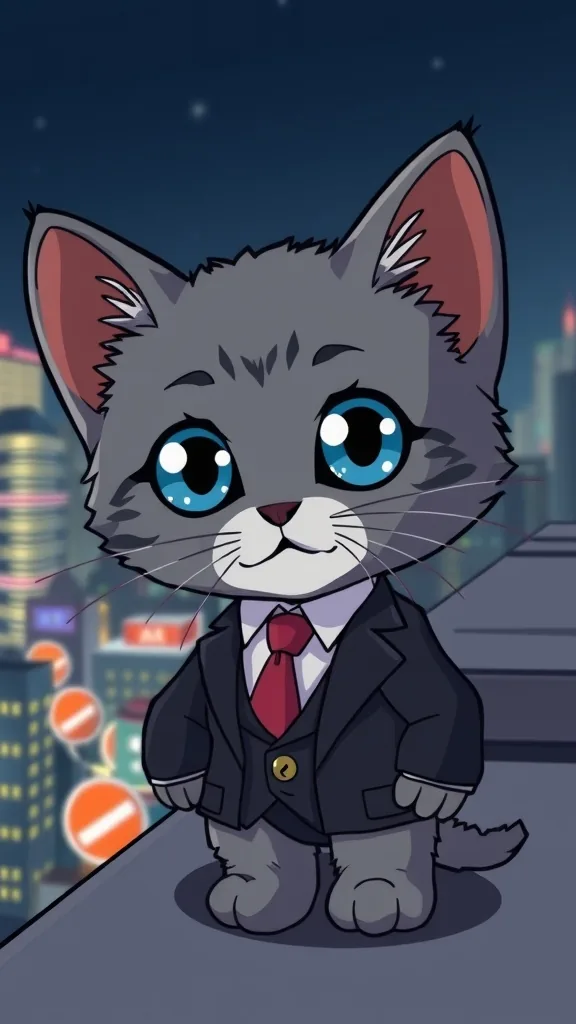
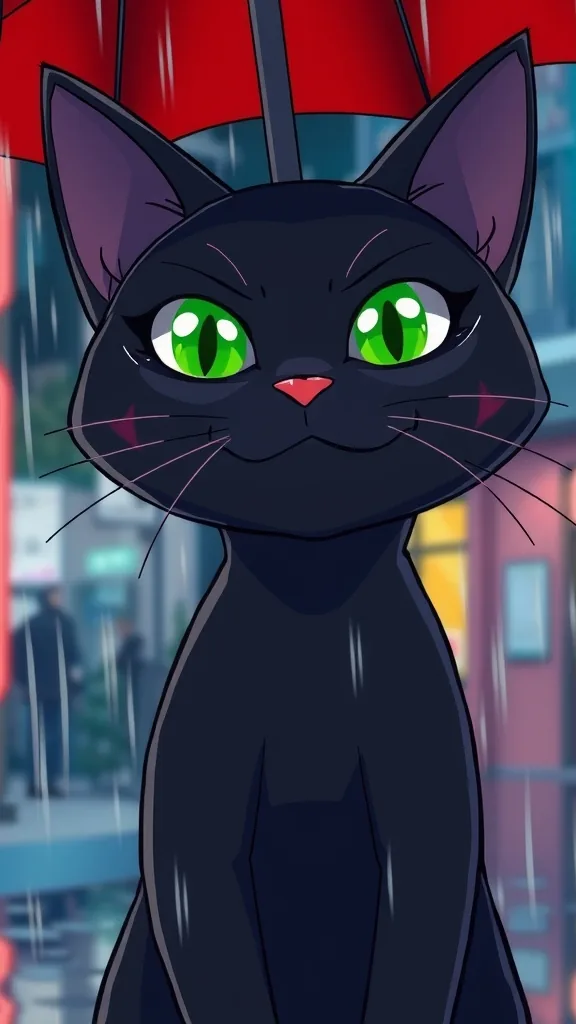
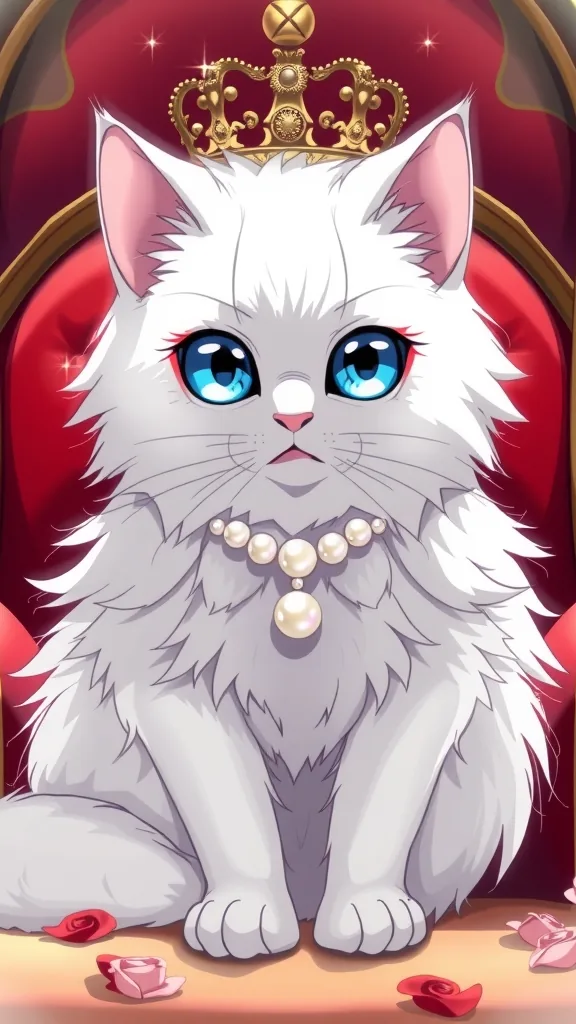
Cat drama inspiration
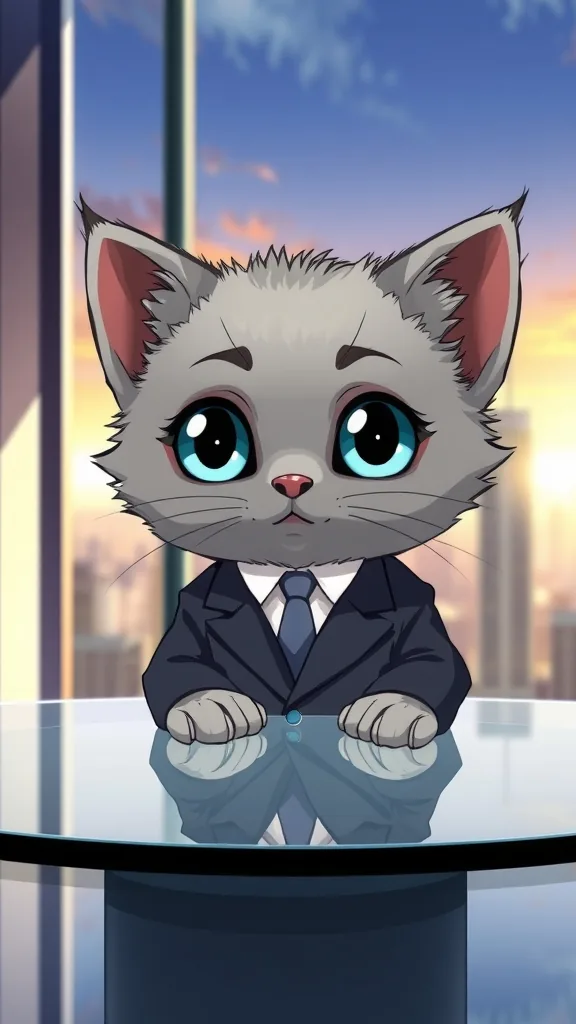
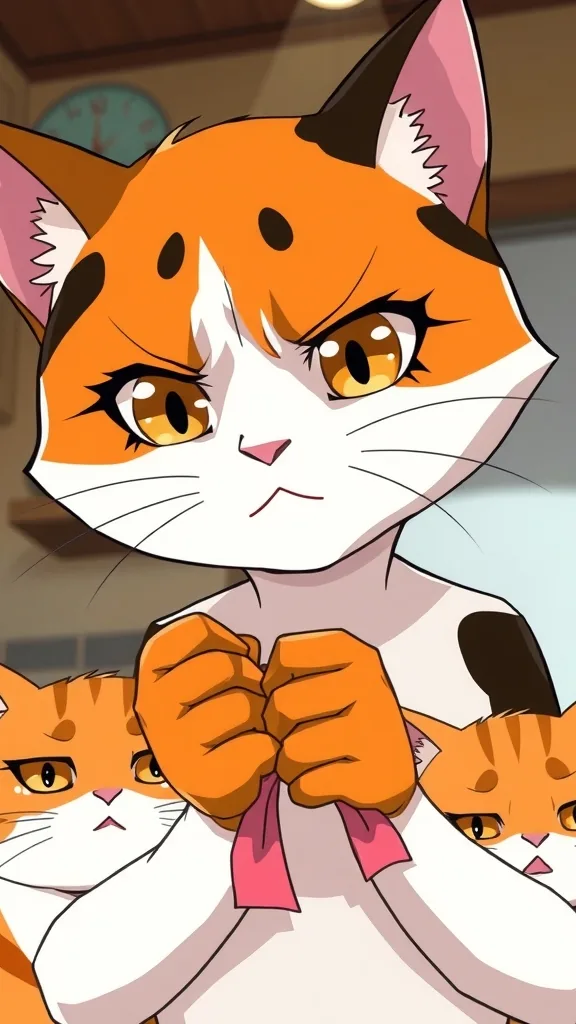
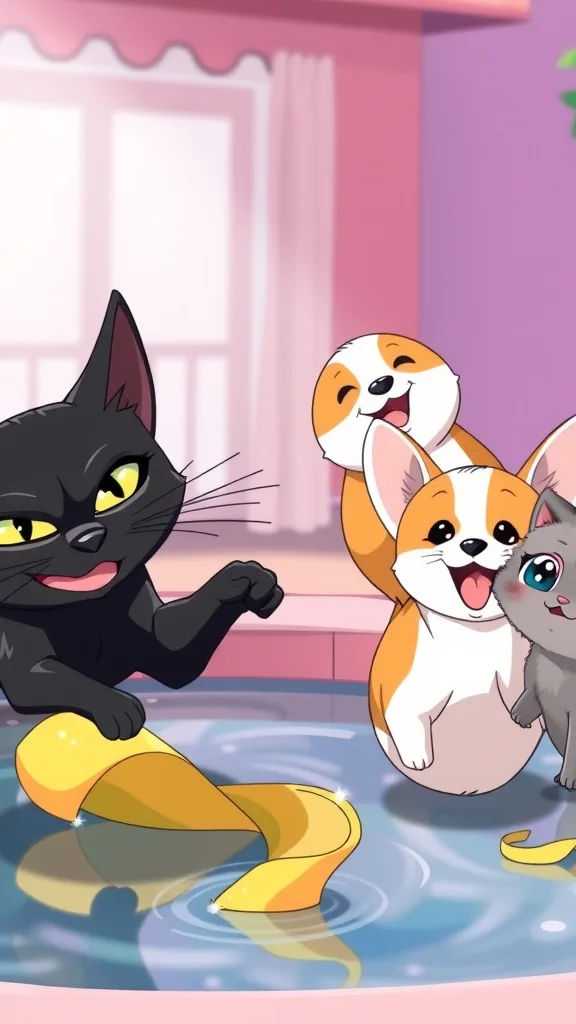
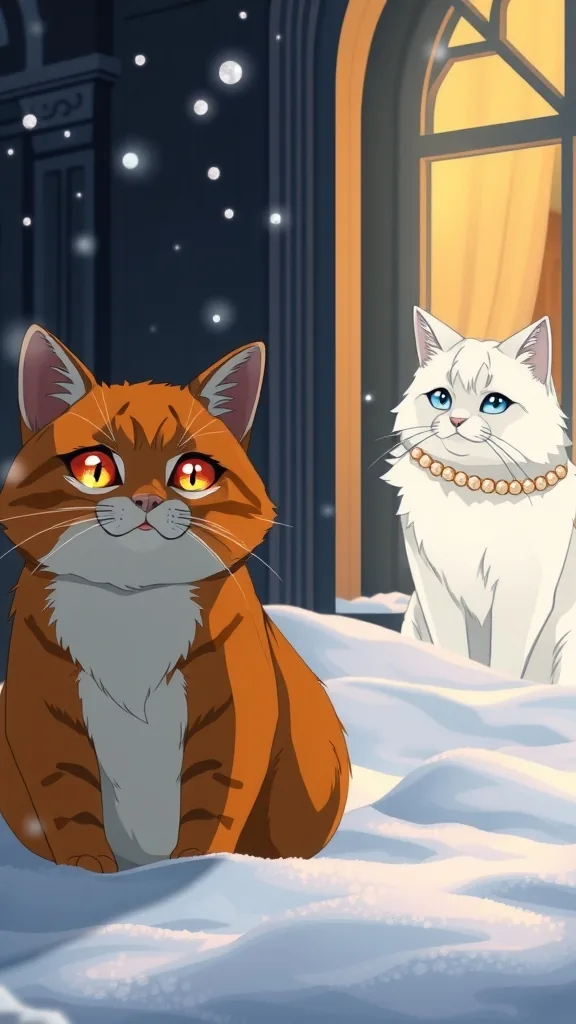
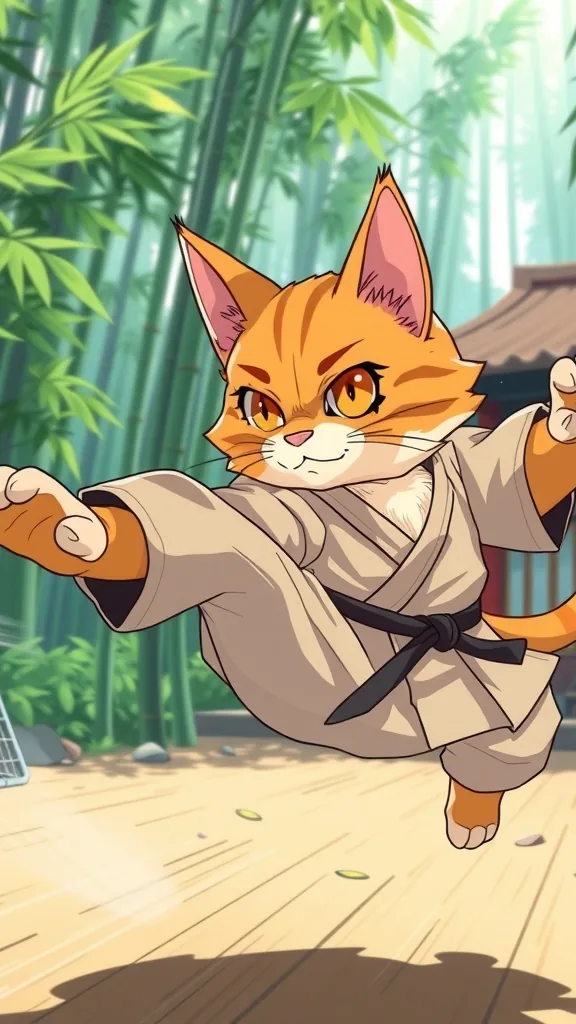
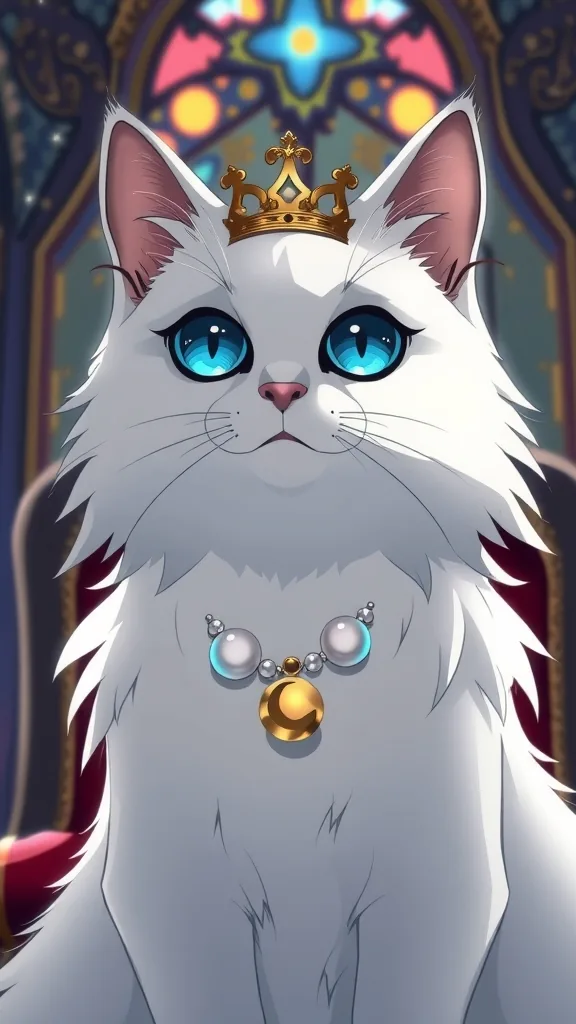
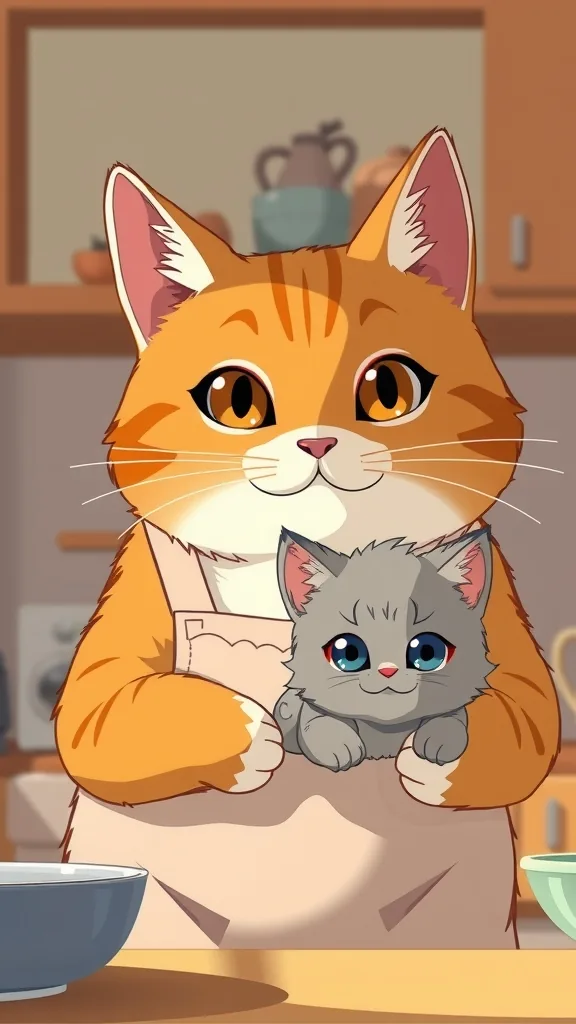
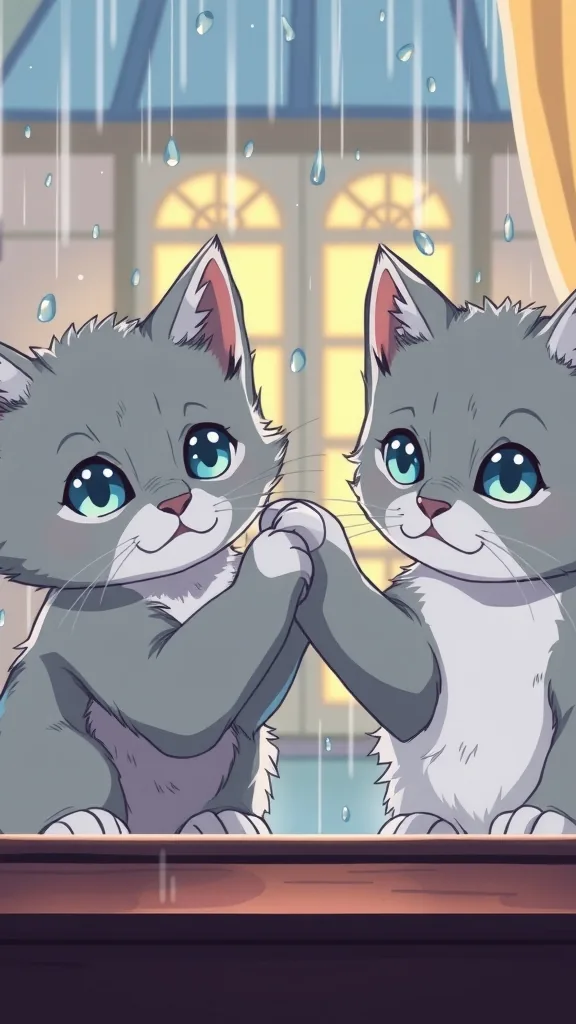
The characters and scenes on this site are AI-drawn illustrations (FLUX.1 [schnell] on Cloudflare Workers AI) made for these pages. They show each character's look; they are not episodes rendered with PawDrama.
How it works
Make a cat story video in four steps
- 01
Pick a cat plot
Tap a template such as Cheating Husband Cat or Kicked Out in the Snow, or type a premise of your own in one or two sentences.
- 02
Cast your cats
Choose two to four cats from the preset cast, or from My Actors if you have already uploaded your own. One shot can hold up to three of them.
- 03
Review the script
Read the drafted dialogue, narration and shot notes, then rename, cut or rewrite lines. Asking for a fresh draft costs 1 credit.
- 04
Generate the episode
Choose style, length and resolution, then generate. Download the MP4 and the .srt, and make Part 2 when you are ready.
Casting the five cats
Each preset cat has a fixed look and a fixed voice, and most cat dramas need only two or three of them. The orange tabby is a chubby tomcat with amber eyes and a white chest; he plays the husband, the underdog or the comeback hero. The long-haired white cat with blue eyes reads as rich, proud or glamorous, so she tends to be the rival or the spoiled heiress.
The sleek black cat with green eyes and a sly smile carries schemes and sharp lines. The calico mama cat, patched in orange, black and white, is the wronged wife or the mother who gives everything up. The tiny grey kitten with round blue eyes is the child, the victim, or the one who grows up and wins.
- Cheating husband: orange tabby, calico mama, white cat
- Bullied kitten: grey kitten, black cat, calico mama
- Billionaire returns: orange tabby, white cat, black cat
- Lost princess: white cat, black cat, grey kitten (anime style, 90 seconds)
Cat drama plots that already have an audience
Cat soap operas on short video apps borrow a small set of human melodrama plots and play them with cats: the poor cat thrown out into the snow, the husband who cheats, the bullied kitten who becomes a CEO, the cat mocked for being broke who returns rich. They hold attention because viewers recognize the setup in a single shot and stay for the payoff.
Each of those plots is a template here. Picking one does not lock you into a canned script: the AI writes a new episode around the story engine, and you can rename characters, move the setting or swap the ending before any video credits are spent.
How a 60-second cat episode is paced
Sixty seconds is twelve 5-second shots. A layout that suits most cat dramas: shot 1 is the wound (the slap, the locked door, the mocking laugh); shots 2 to 4 show who did it and why it hurts; shots 5 to 9 build pressure; shots 10 and 11 turn it around; shot 12 leaves a question open for Part 2.
If that feels slow for your audience, the same plot fits into 30 seconds with six shots. Squeeze the middle build-up into two shots and keep the reversal intact.
Settings and tips
Settings that matter for cat stories
Name the emotion in each shot
A shot note like 'the white cat turns away, ears flat' gives the video model something to animate. 'She is upset' does not.
Use the narrator for time jumps
Lines like 'Five years later' are easier to follow in the narrator's voice than squeezed into a cat's dialogue.
Plan around three cats per shot
Each cat in a shot is a reference image and three is the limit, so a scene with four cats has to cut between groups.
Choose sad or suspense for betrayal plots
The music mood sets the tone before a line is spoken. Funny suits instant karma; warm suits a mother cat's sacrifice.
Is this the right tool for your cat story?
A good fit when
- Cat drama accounts that post numbered episodes
- Writers who want a cat cast without drawing or animating anything
- Owners who want their own cat to play the lead next to preset cats
Not the right tool when
- Realistic home-video footage of your actual cat; every shot is an animated character in 3D, anime or clay style
- Stories with human actors or real people's faces
- A single 3-minute episode; tell it as Part 1 and Part 2 of up to 90 seconds each
- Copies of an existing cartoon cat character
Related pages
FAQ
Questions people ask
Film your first cat drama
Three cats, one betrayal, twelve shots. Load the template and see the credit cost before you commit.
Make a cat story